Some links on PCFix411 may earn a commission from GearReady, software partners, or Amazon Associates at no extra cost to you.
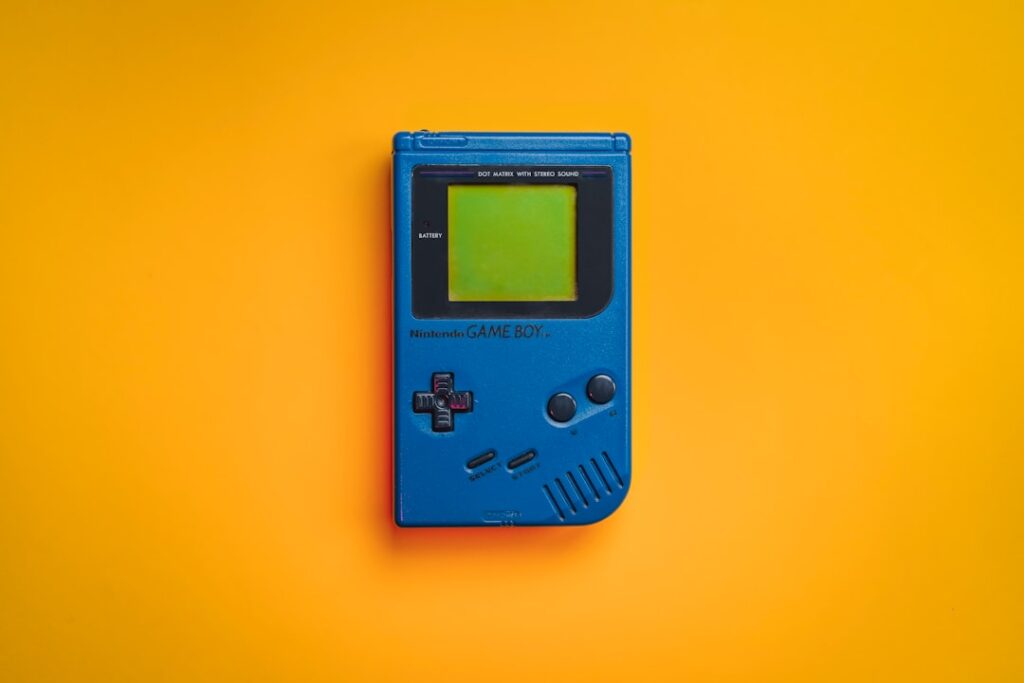
Retro handhelds and HDMI game sticks are two of the easiest ways to play classic games without building a full emulation PC. Both can run many older systems, but they are designed around different habits. A handheld is built for portability. A game stick is built for the television.
If you are deciding between the two, the best choice depends less on the advertised game count and more on where you play, how you want to control games, and how much setup you are willing to do.
Quick Answer
Choose a retro handheld if portability matters and you want a self-contained screen, battery and controls. Choose a game stick if your priority is couch gaming on a television with full-size wireless controllers.
| Decision | Retro Handheld | Game Stick |
|---|---|---|
| Best use | Travel, couch play, self-contained gaming | TV-first living-room play |
| Display | Built-in screen | Uses TV/monitor through HDMI |
| Controls | Integrated; compact ergonomics | Separate controllers; better couch/multiplayer fit |
| Power | Battery-limited | Continuous USB/wall power |
| Setup style | Portable Linux/Android-style device; some models support deeper customization | Simpler plug-in-and-play TV workflow |
| Current GearReady examples | R36S, SF3000HD, Smart Pro | X9 Pro, X10 Pro, M15, X2 |
Portability: Handheld Wins Easily
A handheld can be used anywhere: on the couch, during travel or away from a television. Everything is integrated into one device. A game stick generally needs a TV or monitor with HDMI, power and separate controllers.
If you only want one retro device and expect to play away from home, the handheld is usually the more flexible purchase.
Living-Room Convenience: Game Stick Wins
A game stick can stay connected to the television and behave like a mini console. Turn it on, select a game and use a wireless controller. That is better for families, multiplayer sessions and anyone who prefers a large display.
Some handhelds support HDMI or USB-C video output, but you have to verify that feature. Even when TV output works, you may need additional controllers or adapters to make the experience as comfortable as a dedicated living-room device.
Controllers
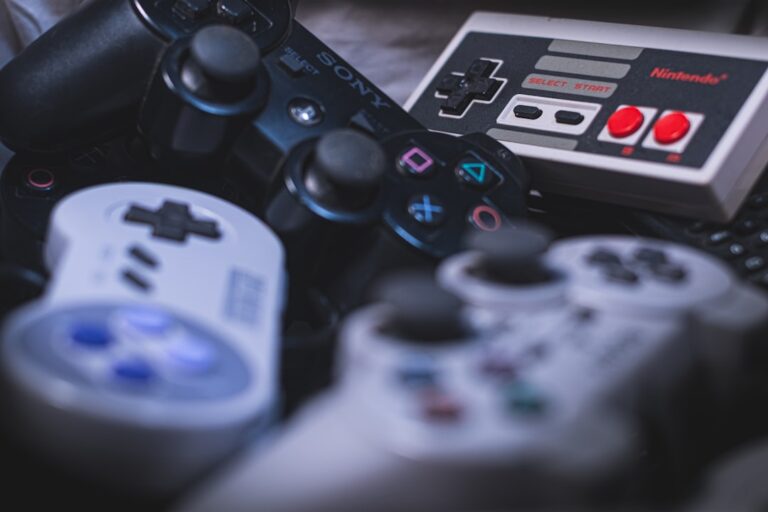
Handheld controls are built in, which keeps the device portable but limits ergonomics. A game stick normally uses separate controllers, which are more comfortable for long sessions and multiplayer gaming.
Controller quality varies widely with low-cost retro devices. Check whether you can replace the included controllers with Bluetooth, USB or 2.4GHz alternatives. GearReady’s Game Controllers collection is the right destination when the included controller is the weak point.
Performance
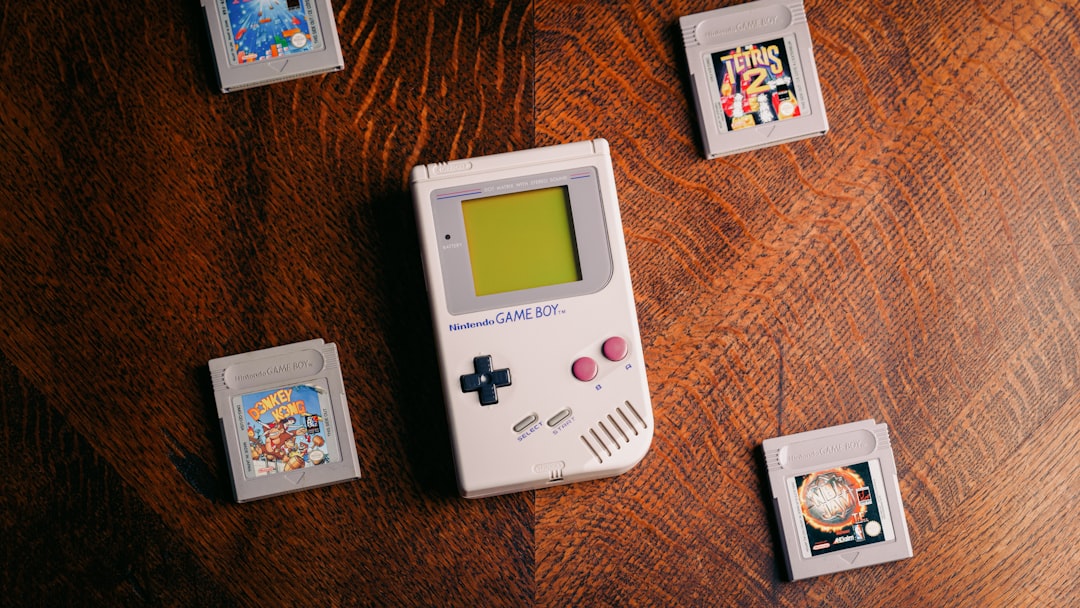
Both handhelds and game sticks can perform well with older 8-bit and 16-bit systems. Later 3D consoles require more processing power and better emulator support. Two devices that advertise the same number of games may have very different performance.
Before buying, identify the newest console generation you actually care about. If your target is NES, SNES, Genesis, Game Boy and similar systems, many inexpensive devices are adequate. If you want Dreamcast, PSP, Nintendo 64, PlayStation 2 or GameCube, hardware selection becomes much more important.
Storage and Game Libraries
Both device types often use microSD cards. Higher-capacity cards can hold larger libraries, but storage quality matters. Very cheap cards can fail or become corrupted.
Do not choose based solely on advertised game count. Look for a clean interface, reliable storage and the ability to manage your own legally obtained game files. Thousands of duplicate or poorly labeled files do not improve the experience.
Battery Life vs Continuous Power
A handheld depends on its internal battery. Battery life varies based on screen brightness, processor load and battery size. A game stick runs from USB or a wall adapter and does not have a battery limitation during long sessions.
If you mostly play for short sessions, battery life may not matter. If you want all-day travel use, it should be a major buying factor.
Multiplayer
Game sticks are generally better for local multiplayer because they are already designed around a TV and separate controllers. A handheld can support multiplayer, but it may require adapters, external controllers and video output.
Setup and Customization
Many retro handhelds use Linux-based firmware that can sometimes be customized. Game sticks often use simpler front ends with fewer settings. Enthusiasts may prefer a handheld with active community firmware support, while casual users may prefer the simpler game-stick experience.
Which One Should You Buy?
Buy a Handheld If:
- You play away from the TV.
- You want one self-contained device.
- You prefer short single-player sessions.
- You like tinkering with firmware and storage.
- You value portability more than screen size.
Buy a Game Stick If:
- You mainly play on a television.
- You want full-size controllers.
- You play local multiplayer.
- You want a device that stays connected in the living room.
- You want the simplest plug-and-play setup.
Consider a Third Option: PC Emulation
If you already own a capable Windows PC, software such as RetroBat can provide more control, storage and emulator options than either device. See PCFix411’s RetroBat guide for the PC approach.
You can also compare the broader device categories in our Best Retro Gaming Devices for Your TV guide.
Where to Shop
For handhelds and game sticks, use the live GearReady collection as a category-level shopping path instead of chasing one temporary SKU. The collection currently includes portable handhelds, HDMI game sticks and related retro hardware. If the included controller is the weak point, compare the separate controller collection rather than replacing the whole device.
Browse Retro Gaming & Emulation
Compare current handhelds, TV game sticks and plug-and-play retro hardware in one collection.
Compare Game Controllers
Use this when the bundled gamepad is uncomfortable, unreliable or too limited for your setup.
Sources and Verification
The 2026 refresh checked GearReady’s current Retro Gaming & Emulation and Game Controllers collections, plus current handheld-buying guidance. Treat model listings and included libraries as changeable; verify the hardware, storage, output and controller details on the current product page before buying.
Compare before you buy
Start with GearReady game consoles for retro-friendly hardware, then compare current handhelds, game sticks, controllers and accessories through Amazon Video Games Best Sellers.
Affiliate disclosure: PCFix411 may earn a commission from qualifying purchases.
Bottom Line
A handheld is the better all-around device when portability matters. A game stick is the better value when your goal is simple living-room play on a large screen. If you are still unsure, decide where you will play most often—that answer usually makes the choice obvious.