Some links on PCFix411 may earn a commission from GearReady, software partners, or Amazon Associates at no extra cost to you.
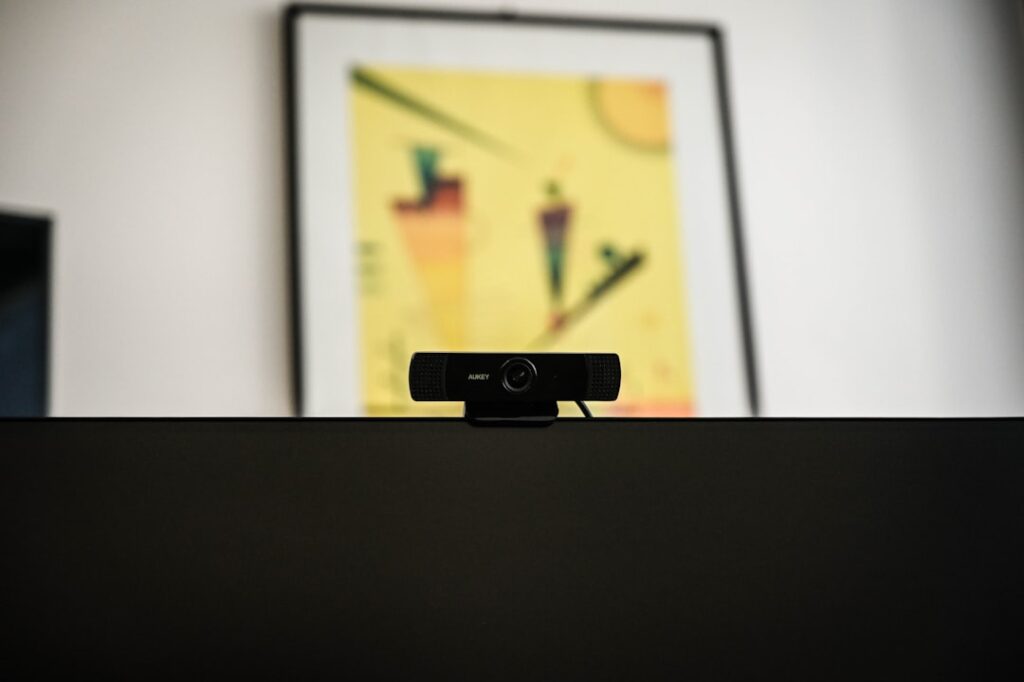
A 4K webcam sounds automatically better than a 1080p webcam, but resolution is only one part of image quality. For ordinary Zoom, Teams and Google Meet calls, a good 1080p webcam with decent lighting can look excellent. A 4K model becomes more valuable when you record content, crop the image, use a larger monitor or want more flexibility for streaming.
Before paying for more pixels, compare the camera’s sensor, autofocus, field of view, frame rate and low-light performance.
What 1080p and 4K Actually Mean
1080p video is 1920 × 1080 pixels. 4K UHD is 3840 × 2160, which contains four times as many pixels. That extra resolution can preserve more detail, but only when the lens, sensor, lighting and software can make use of it.
For Video Calls, 1080p Is Usually Enough
Most business calls display participants in relatively small windows. Platforms may also compress or reduce the transmitted video based on bandwidth, account settings and connection quality. In that environment, the difference between a good 1080p camera and a 4K camera can be smaller than expected.
Spend first on lighting and camera position. A properly lit 1080p webcam at eye level can look more professional than a 4K webcam pointed upward from a dark laptop screen.
When 4K Helps
4K becomes more useful when you record locally, create YouTube videos or want to crop into the image while still delivering a 1080p final frame. The extra resolution lets software reframe the shot, zoom digitally or create multiple compositions from one camera angle.
It is also useful if you display the camera full-screen on high-resolution monitors or archive higher-resolution recordings for later editing.
Frame Rate: 30fps vs 60fps
Some webcams offer 4K at 30 frames per second but 1080p at 60fps. For normal conversation, 30fps is fine. For demonstrations with more movement or streaming where smooth motion matters, 1080p60 can sometimes be more valuable than 4K30.
Autofocus Quality
A camera that constantly hunts for focus can be distracting regardless of resolution. Look for stable autofocus that locks onto your face and does not react every time you move your hands. Fixed-focus webcams can work well when you always sit at the same distance.
Low-Light Performance
A larger or better sensor can outperform a higher-resolution sensor when the room is dim. More pixels packed into a small sensor do not automatically improve low-light quality. Grain, smearing and slow exposure can make a 4K image look worse than a well-lit 1080p image.
If your current webcam looks noisy, improve the light before replacing the camera. PCFix411’s Ring Light vs LED Panel guide explains the simplest lighting options.
Field of View
A wide field of view is useful for conference rooms or showing more of a workspace. It can be unflattering when one person sits very close to the camera. For a normal desk, a moderate field of view keeps attention on you and reduces background clutter.
Some 4K webcams use the extra resolution to offer digital field-of-view options without sacrificing as much detail.
Built-In Microphones
Do not choose a webcam solely because it has two microphones. Built-in webcam microphones are convenient, but a dedicated USB microphone or good headset usually sounds better because it can be positioned closer to your mouth.
For a complete setup, see Best Webcam, Microphone and Lighting Setup for Video Calls.
Bandwidth and Computer Requirements
4K video moves more data. Local recording requires more storage, and some systems need additional processing power to encode it. Streaming platforms may not accept 4K webcam video in every workflow.
If your laptop is older, a high-quality 1080p stream can be a more reliable target.
Privacy Shutters and Mounts
Simple features matter. A physical privacy shutter is useful when the webcam stays connected. A flexible clip or standard tripod thread makes it easier to position the lens at eye level. These quality-of-life features may affect daily use more than the jump from 1080p to 4K.
Who Should Buy 1080p?
- Remote workers using Zoom, Teams or Meet
- Students and online training participants
- Beginner streamers working at 1080p
- Anyone with limited lighting or bandwidth
- Users who want the best value and simplicity
Who Should Buy 4K?
- YouTube creators who record locally
- Streamers who want digital cropping and reframing
- Users with good lighting and a capable computer
- People who use the webcam for product demonstrations or detailed close-ups
- Anyone building a longer-term creator workstation
Where PCFix411 Sends Webcam Shoppers
For webcams specifically, GearReady’s live Niche Computer Peripherals collection currently has several 1080p, 2K and 4K webcam options. For a complete production setup that also includes microphones, lights and capture devices, the better destination is Content Creator & Streaming Rigs.
Bottom Line
For normal video calls, buy a good 1080p webcam and spend the difference on lighting or audio. Choose 4K when you have a real need for cropping, local recording or higher-resolution production. Resolution matters, but lighting, focus, sensor quality and positioning usually determine whether the image actually looks good.