Some links on PCFix411 may earn a commission from GearReady, software partners, or Amazon Associates at no extra cost to you.
You do not need expensive hardware to make a computer setup easier to use. Some of the highest-value improvements cost far less than a new PC: better port access, cleaner cables, more reliable networking, improved video-call lighting and a few accessories that remove repeated daily annoyances.
This PCFix411 list focuses on inexpensive upgrades that solve practical problems rather than decorative gadgets.
1. USB Hub
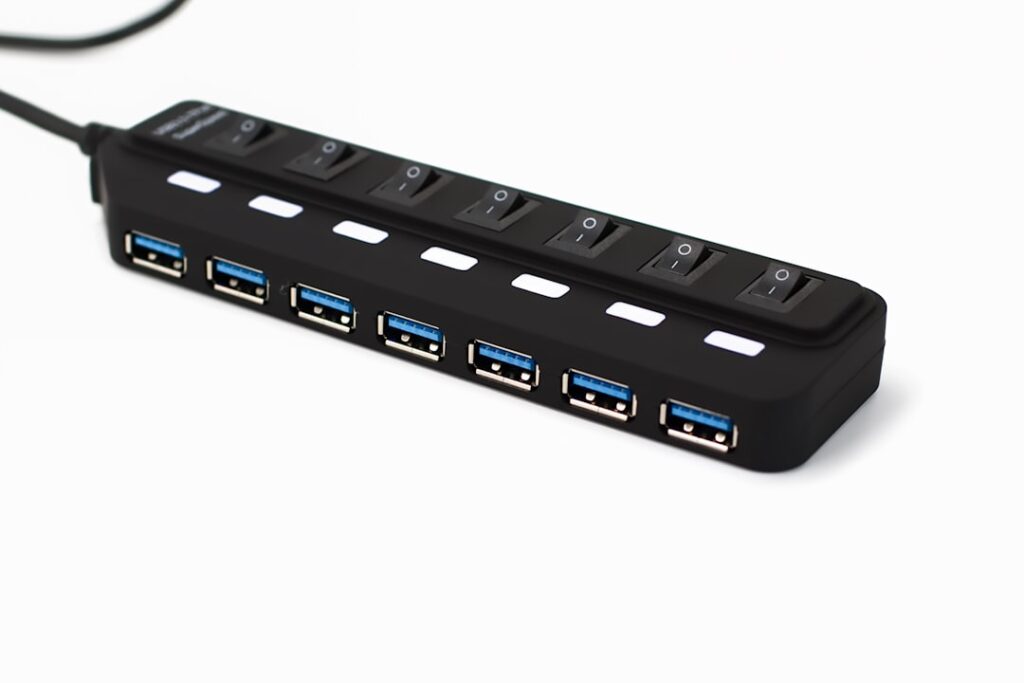
If your laptop or mini PC does not have enough USB ports, a simple hub is one of the cheapest useful upgrades. Use it for keyboards, mice, flash drives and low-bandwidth accessories.
For external SSDs, capture devices and other high-speed hardware, check the hub’s USB standard and shared bandwidth before assuming every port runs at maximum speed.
2. USB-C Ethernet Adapter
A basic Ethernet adapter can make video calls, downloads and cloud work more reliable when Wi-Fi is inconsistent. Gigabit Ethernet is sufficient for many home networks.
If the internet plan is fast but Wi-Fi devices remain slow, start with our Why Your Internet Is Fast but Wi-Fi Is Slow guide before buying more network hardware.
3. Reusable Cable Ties
Hook-and-loop cable ties cost very little and make a desk easier to clean and service. Bundle related cables loosely and leave enough slack for monitor movement and laptop removal.
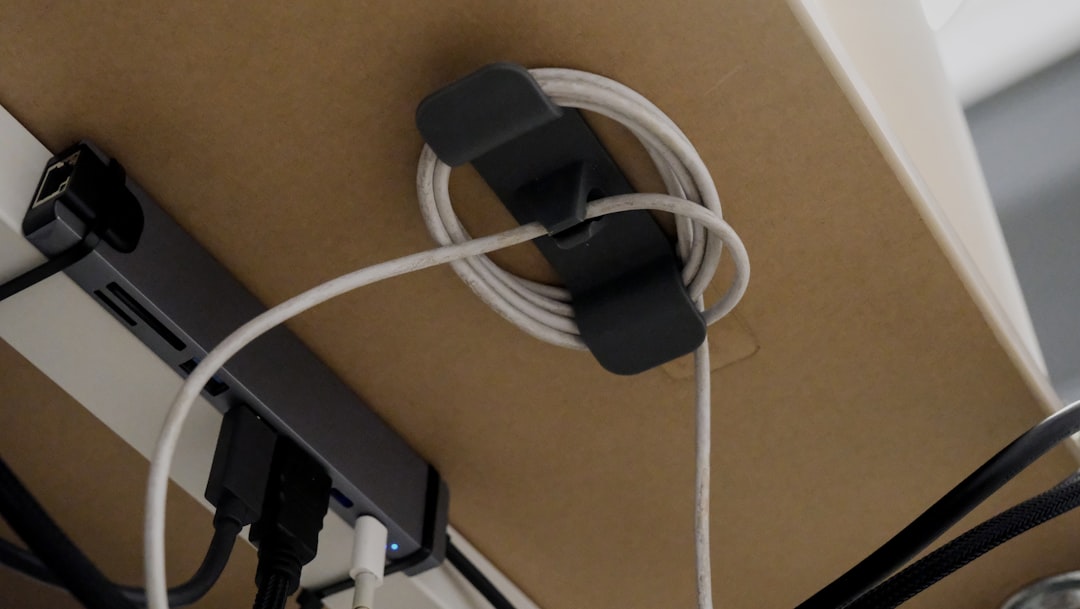
4. Cable Clips
Small adhesive or clamp-on clips keep charging and USB cables from falling behind the desk. They are especially useful for laptops and phones that are disconnected regularly.
5. Laptop Stand
A basic stand can raise the laptop screen closer to eye level and free space underneath. Use an external keyboard and mouse when the laptop is raised so your wrists are not forced into an awkward position.
6. Desk Mat
A large desk mat creates a consistent mouse surface and protects the desk. This is a comfort and organization upgrade rather than a performance upgrade, but it can improve daily usability at low cost.
7. Comfortable Mouse
If the included mouse is too small or poorly shaped, a modest replacement can make hours of computer use more comfortable. For office work, hand fit and reliable tracking matter more than extreme gaming specifications.
8. Better Keyboard
You do not need an expensive mechanical keyboard to improve typing. A well-spaced full-size or compact keyboard with the layout you prefer can be a major usability improvement over a cramped laptop keyboard.
9. Webcam
A budget 1080p webcam can improve framing and image quality over an older laptop camera. Lighting matters just as much as the camera, so do not judge webcam quality in a dark room.
Our 1080p vs 4K Webcam guide explains why 1080p is enough for most calls. The live GearReady Niche Computer Peripherals collection currently includes several webcam options if you want to compare current store choices.
10. Small LED Light
An inexpensive USB or desk LED light can make video calls look better than buying a much more expensive camera. Place the light in front of you and slightly above eye level rather than directly behind the monitor.
11. Headset
A wired USB headset can improve meeting audio and reduce echo for relatively little money. Wired models avoid battery charging and Bluetooth pairing problems.
12. USB Microphone
Entry-level USB microphones can improve voice quality for meetings, tutorials and recordings. If your room is noisy, microphone placement and pickup pattern matter more than flashy specifications.
See Dynamic vs Condenser Microphone before choosing a microphone type.
13. Powered USB Hub
If you connect several devices that draw power, a powered hub can be more reliable than an unpowered model. It is useful for external drives, audio gear and multiple peripherals, but check the actual power and data specifications.
14. USB Extension Cable
A short extension can bring an awkward rear USB port onto the desk. This is helpful for flash drives, security keys and temporary accessories.
15. Card Reader
A USB SD or microSD reader is inexpensive and useful for cameras, drones, phones and embedded devices. Creators should check card-reader speed so imports are not unnecessarily slow.
16. External SSD Enclosure
If you have a compatible spare SSD, an inexpensive enclosure can turn it into fast portable storage. Confirm whether the drive is SATA or NVMe before buying the enclosure.
For drive types and compatibility, see How to Choose an SSD for Your PC.
17. Surge Protector
A reputable surge protector is a more useful purchase than many cosmetic accessories. Check that the product actually provides surge protection; a basic multi-outlet power strip may not.
18. Monitor Riser
A simple monitor riser can improve screen height and create storage underneath. Before buying one, verify that it safely supports the monitor’s weight and base size.
19. Phone Stand
If you use a phone for authentication, calls or messaging while working, a basic stand keeps it visible without taking much space. This is useful only if the phone is already part of the workflow.
20. Cleaning Kit
A microfiber cloth, appropriate screen cleaner and compressed air or electric duster help keep displays, vents and peripherals clean. Never spray liquid directly into ports or onto an energized device.
21. Small Parts Organizer
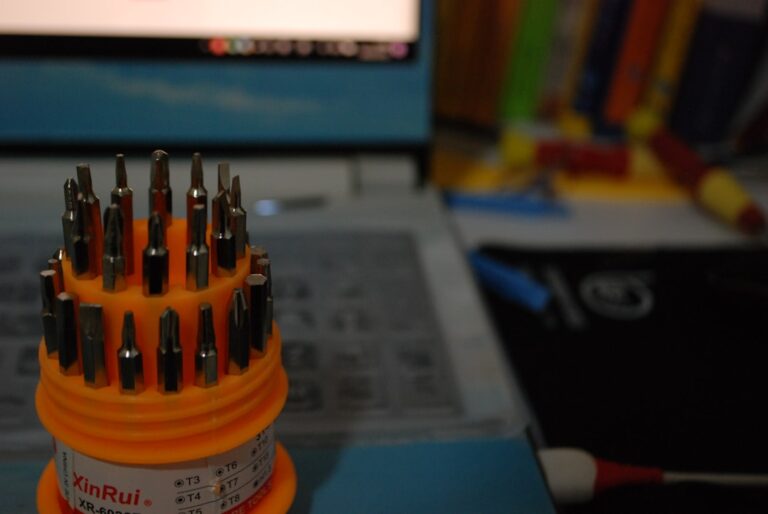
If you upgrade or repair PCs, a low-cost organizer keeps screws, adapters and spare cables from disappearing. See Essential PC Repair Tools Every Home Technician Should Own.
22. HDMI or DisplayPort Cable Upgrade—Only When Needed
Do not replace working cables for no reason. But if an old cable is preventing your monitor from reaching the desired resolution or refresh rate, the correct rated cable is a cheap fix.
23. USB-C Video Adapter
For laptops that support DisplayPort Alt Mode, a USB-C to HDMI or DisplayPort adapter can add a display without the cost of a full dock.
If you need several peripherals, power delivery and multiple monitors, a real dock may be the better purchase. See Laptop Docking Station Buying Guide.
24. Bluetooth Adapter
An inexpensive USB Bluetooth adapter can add Bluetooth to an older desktop. Check Windows support and the Bluetooth version before buying, especially for audio devices and game controllers.
25. Wi-Fi Adapter—Only After Diagnosis
A newer USB or PCIe Wi-Fi adapter can help an older PC with outdated wireless hardware, but it will not fix poor router placement or a weak signal throughout the house.
Use How to Fix Slow Wi-Fi at Home before replacing hardware blindly.
Best Budget Upgrades by Problem
| Problem | Low-Cost Accessory |
|---|---|
| Not enough USB ports | USB hub |
| Unreliable desk Wi-Fi | Ethernet adapter/cable |
| Poor video calls | 1080p webcam + lighting |
| Bad call audio | USB headset or microphone |
| Neck strain | Laptop stand or monitor riser |
| Cable clutter | Reusable ties and clips |
| Need portable storage | SSD enclosure or external SSD |
| Old desktop lacks Bluetooth | USB Bluetooth adapter |
What Not to Buy Just Because It Is Cheap
- Unknown chargers with questionable safety certification.
- Ultra-cheap docks claiming unrealistic display specifications.
- Registry-cleaner or ‘RAM booster’ software.
- Adapters for ports your computer does not support.
- Decorative accessories that consume desk space without improving the workflow.
Bottom Line
Budget accessories deliver the best value when they remove a specific bottleneck. Start with the problem: ports, networking, comfort, video, audio, storage or organization. Then buy the simplest accessory that fixes it. That approach produces a better PC setup than shopping from a generic list of gadgets.