Some links on PCFix411 may earn a commission from GearReady, software partners, or Amazon Associates at no extra cost to you.
If you are deciding between an older console, a current-generation console, or a gaming PC in 2026, the right answer depends less on raw teraflops and more on what you actually want to play, how much setup you tolerate, whether you buy physical games, and whether the machine also needs to handle work, streaming, editing or upgrades.
This guide compares the major eighth-generation home consoles with the PlayStation 5 and Xbox Series era, then maps them to sensible modern PC performance tiers. I do not treat any desktop graphics card as a perfect one-to-one console equivalent because consoles use fixed hardware, tightly optimized software and platform-specific performance targets.
Quick Verdict
- Best low-cost legacy option: PS4 or Xbox One S if the games you want still run there and you are comfortable buying used/refurbished hardware.
- Best current plug-and-play option: PS5 or Xbox Series X for modern console gaming with fast SSD storage and strong living-room performance.
- Best budget current Xbox: Xbox Series S if all-digital ownership and lower storage capacity fit your needs.
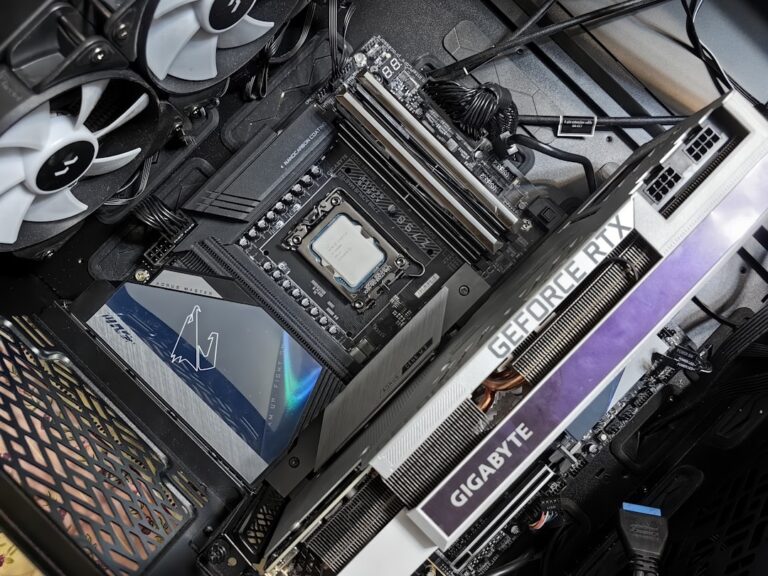
- Best for upgradeability and mixed workloads: a gaming PC with a modern 6- to 8-core CPU, NVMe SSD and a current NVIDIA GeForce RTX or AMD Radeon GPU.
- Best reason to buy Wii U today: its unique library, GamePad features and collector appeal—not raw performance value.
Console and PC Comparison at a Glance
| Platform | Era | Storage Class | Typical Target | Upgrade Path | Best Fit |
|---|---|---|---|---|---|
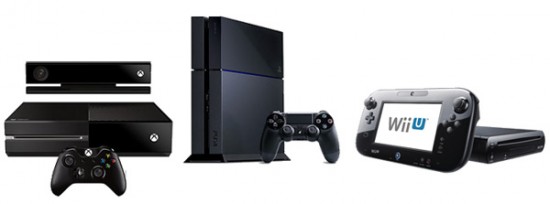
| PlayStation 4 | 8th generation | Hard drive | 1080p-era console gaming | Storage only | Large PS4 library / low-cost used buy |
| Xbox One S | 8th generation | Hard drive | 1080p gaming; 4K media | Storage only | Budget Xbox library / discs |
| Nintendo Wii U | 8th generation | Internal flash + external storage | Nintendo-exclusive / GamePad experiences | Limited | Collectors / unique Nintendo library |
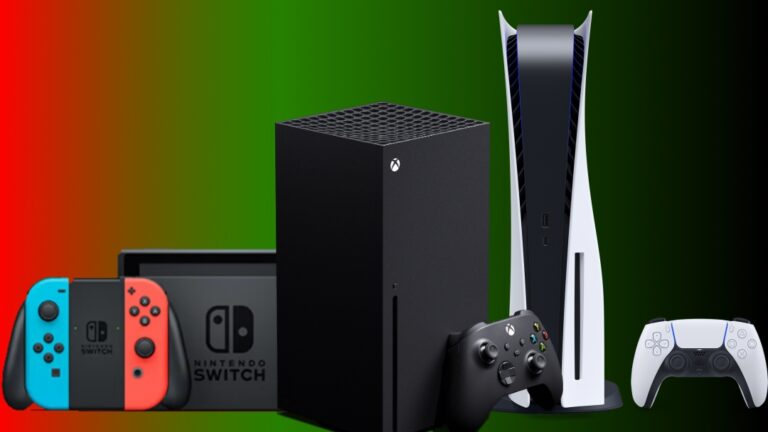
| PlayStation 5 | 9th generation | NVMe-class SSD | 4K-focused modern gaming; up to 120 Hz in supported titles | Expandable SSD | Modern PlayStation ecosystem |
| Xbox Series X | 9th generation | Custom NVMe SSD | 4K-focused gaming; up to 120 FPS in supported titles | Expansion-card / USB storage options | High-end Xbox console buyer |
| Xbox Series S | 9th generation | Custom NVMe SSD | 1440p-class target; up to 120 FPS in supported titles | Expansion-card / USB storage options | Budget all-digital current-gen Xbox |
| NVIDIA GeForce Gaming PC | Continuously evolving | NVMe SSD | 1080p, 1440p, 4K or high-refresh depending on build | CPU/GPU/RAM/storage depending on platform | Performance tuning, upgrades, work + gaming |
| AMD Radeon Gaming PC | Continuously evolving | NVMe SSD | 1080p, 1440p, 4K or high-refresh depending on build | CPU/GPU/RAM/storage depending on platform | Performance tuning, upgrades, work + gaming |
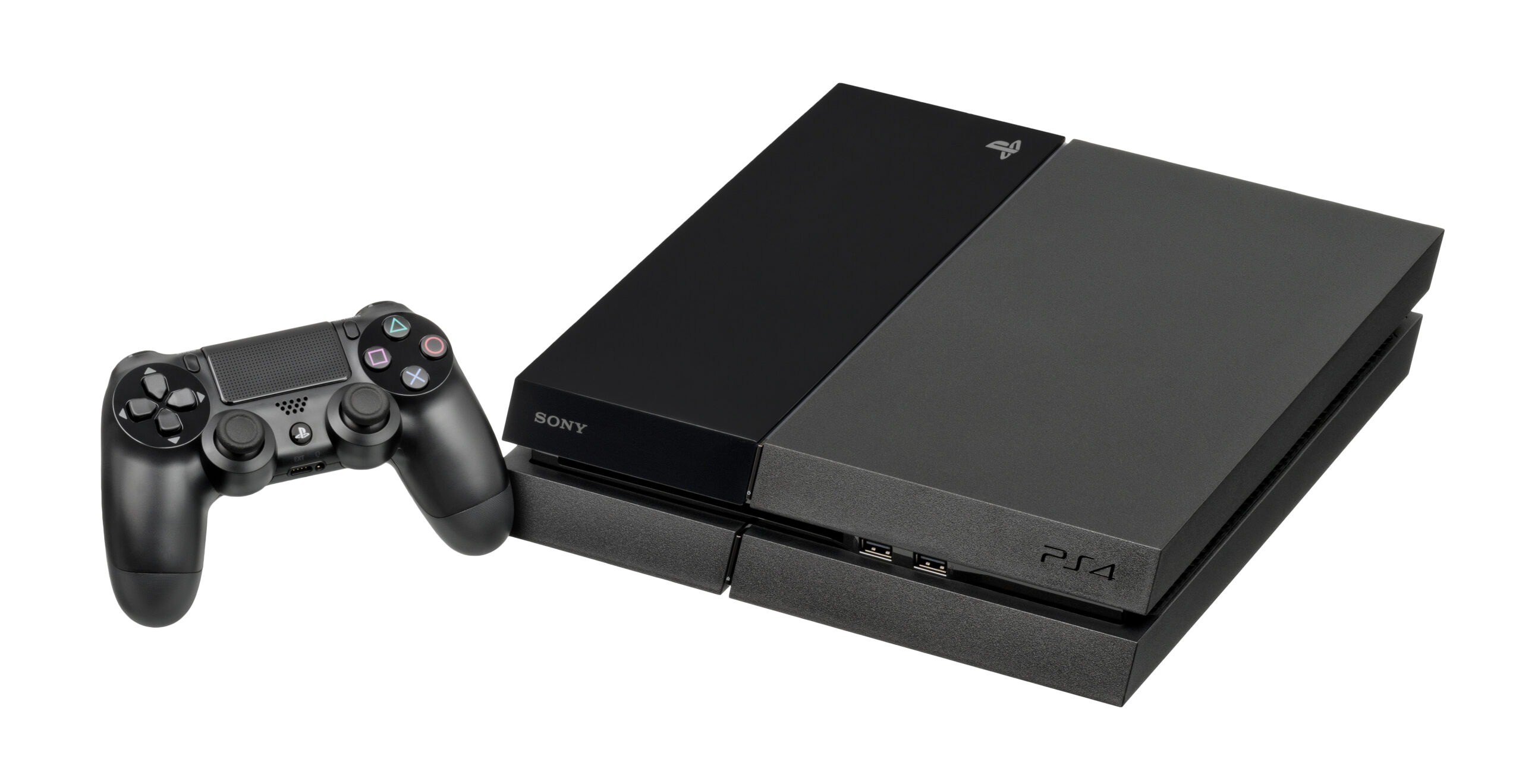
1. PlayStation 4 — Still Useful When the Library Matters More Than New Hardware
The PS4 remains useful because of its enormous game library, not because its hardware is competitive with a modern gaming PC. For someone who wants inexpensive access to PS4-era exclusives and multiplatform titles, a clean used or refurbished system can still make sense.
The limitation is the platform architecture. PS4 was designed around a mechanical hard drive and a much slower CPU class than current consoles. Loading times, open-world streaming and high-frame-rate modes are where the age shows most clearly. A storage upgrade can improve responsiveness, but it does not turn the system into a PS5.
Buy a PS4 in 2026 because its specific games fit your budget—not because it is the best long-term platform for upcoming releases.
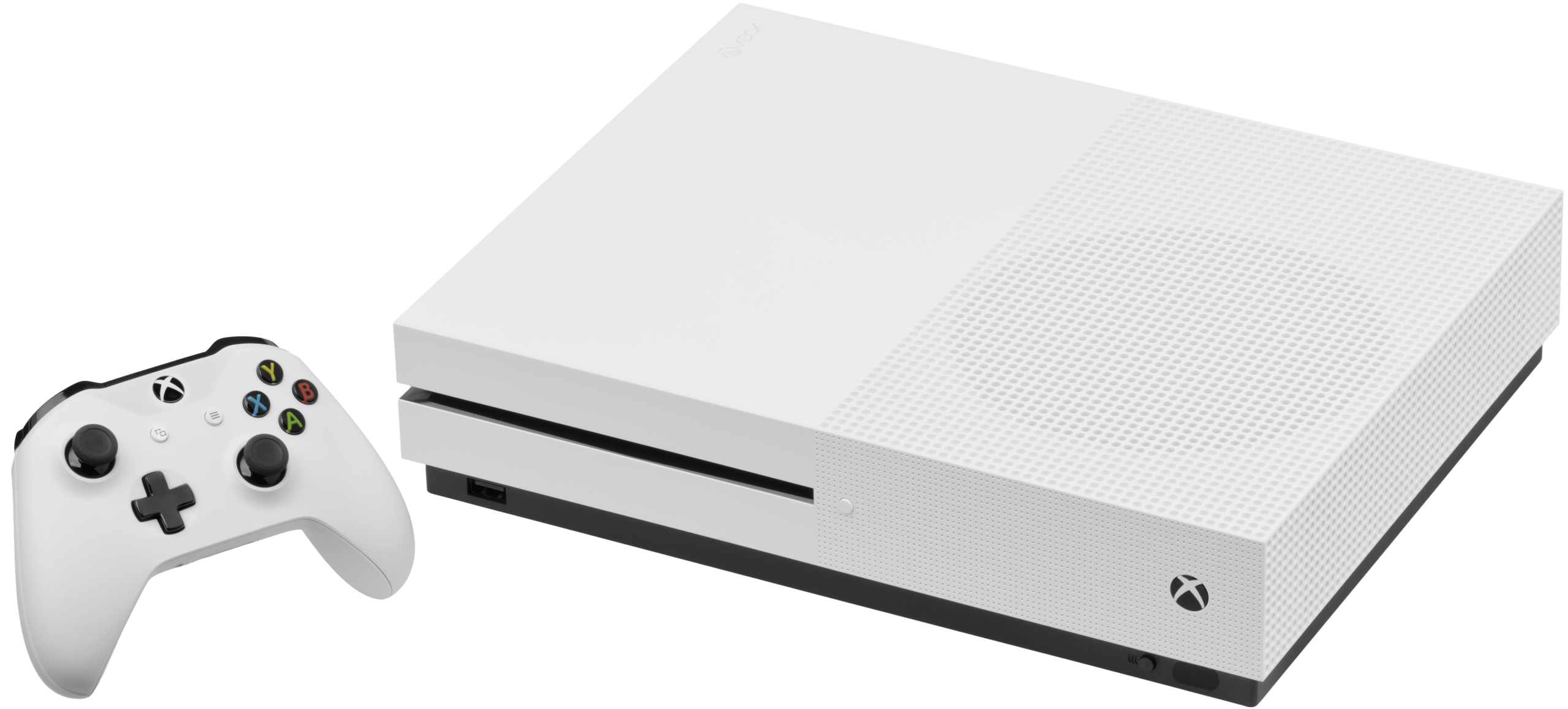
2. Xbox One S — Best as a Low-Cost Disc-and-Media Xbox
The Xbox One S is a practical eighth-generation option if you care about the Xbox One library, physical discs and 4K media playback more than current-generation game performance. Its smaller chassis and integrated power supply also make it cleaner than the original launch Xbox One.
Gaming performance is still firmly tied to the Xbox One generation. The console can output 4K video for supported media, but that does not mean it renders modern games at the same level as Xbox Series X. For gaming, think of it as an affordable legacy Xbox with a mature library.
It is most attractive when the purchase price is low enough to justify the older storage and CPU architecture.
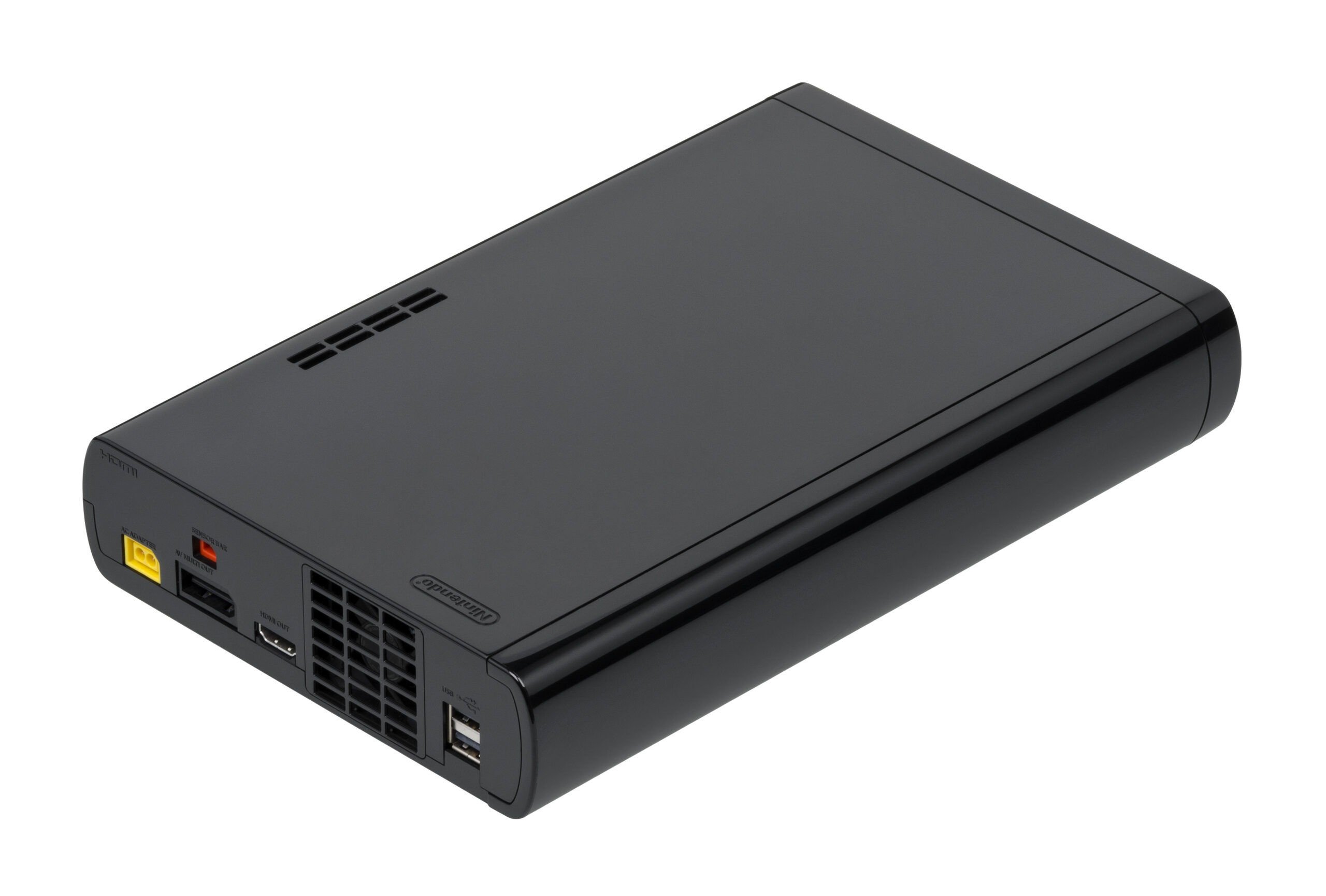
3. Nintendo Wii U — A Library and GamePad Purchase, Not a Performance Purchase
The Wii U belongs in the eighth-generation conversation, but it should not be judged like a cut-down gaming PC. Its value is tied to Nintendo’s software, the GamePad’s second-screen features and a catalog that includes distinctive versions of major Nintendo franchises.
Many Wii U buyers in 2026 are collectors or players chasing a specific experience. That makes condition especially important: the GamePad is essential to many system functions, batteries age, and replacement accessories are not as simple to source as current-console parts.
If you want a Wii U, prioritize a complete, tested bundle over raw storage numbers.
What the Ninth Generation Changed
The biggest generational jump was not simply a higher graphics number. PS5 and Xbox Series X|S moved the baseline to much faster SSD storage, significantly stronger Zen 2-class CPUs, newer graphics features and better support for high-refresh output. Those changes affect loading, asset streaming, simulation complexity and frame-rate targets.
That is why a modern PC comparison should focus on the whole system: CPU, GPU, memory, SSD and target resolution. Comparing a console to one graphics card in isolation is misleading.
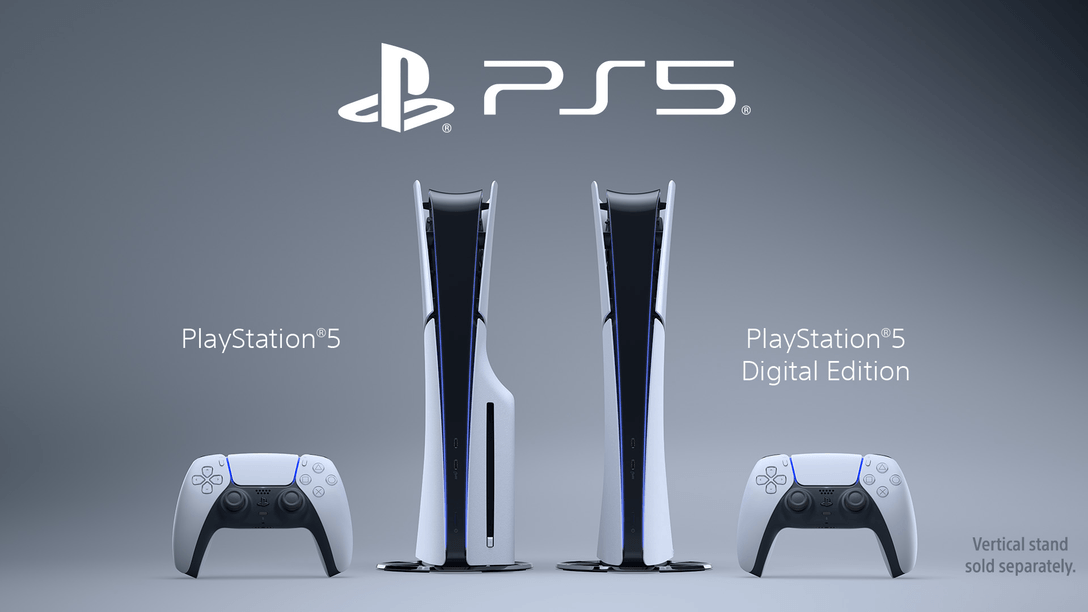
4. PlayStation 5 — Strong Current-Generation Balance
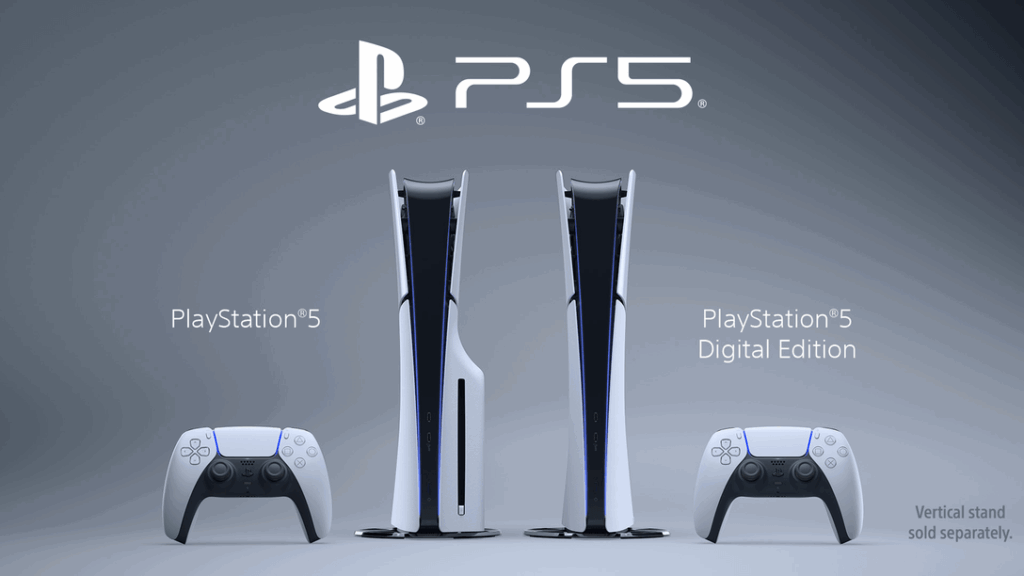
PlayStation lists the current PS5 design with an 8-core/16-thread Zen 2 CPU, RDNA 2-based graphics, 16GB of GDDR6 memory and a 1TB SSD. It also supports 4K 120Hz output and VRR when the game and display support those features.
The important practical difference from PS4 is how the whole machine behaves. Faster storage reduces load times and changes how games stream assets, while the newer CPU provides far more headroom for high-frame-rate modes and more complex worlds.
PS5 is the better fit when you want a current PlayStation experience without selecting PC parts, maintaining drivers or tuning graphics settings.
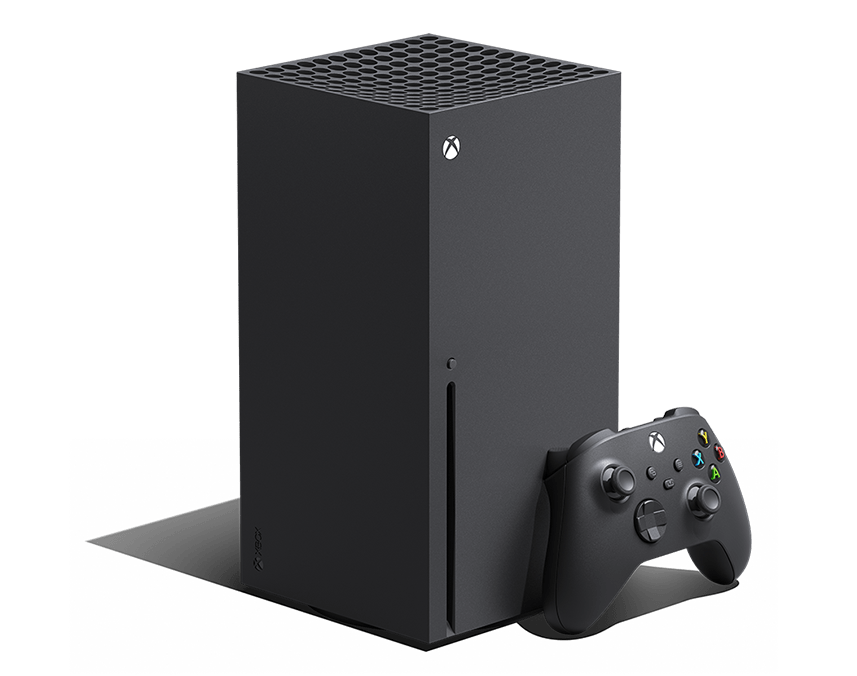
5. Xbox Series X — Best Xbox for 4K-Focused Console Buyers
Microsoft positions Xbox Series X as the higher-performance current Xbox. The platform uses a custom Zen 2 CPU, 16GB of GDDR6 memory and custom NVMe SSD storage, with native-4K positioning and support for frame rates up to 120 FPS in compatible games.
The Series X also makes sense for players who still value discs. Current Series X models include disc and all-digital variants depending on configuration, so verify the exact listing before buying.
Compared with a gaming PC, the Series X trades upgradeability for consistency: developers target a known hardware platform, while you avoid the component-balancing decisions that come with a desktop.
6. Xbox Series S — Best Current-Generation Xbox for a Lower Entry Cost
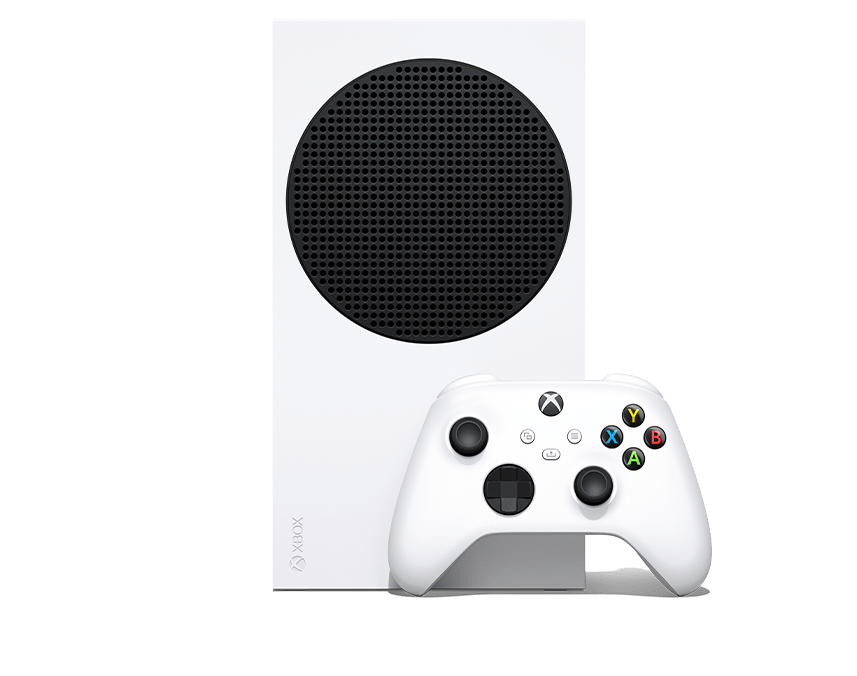
Xbox Series S uses the same general generation of CPU and storage architecture as Series X, but Microsoft targets it differently. The Series S is all-digital, uses less GPU power, and is positioned around 1440p-class gaming rather than native 4K.
Microsoft currently lists 512GB and 1TB storage configurations, and the platform supports up to 120 FPS in compatible titles. The lower entry cost can be attractive, but storage expansion and the lack of a disc drive matter if you own physical games or install many large titles.
Series S is a value decision, not a miniature Series X. Buy it when digital ownership and the lower performance target fit your setup.
Where Does a Gaming PC Fit?
A gaming PC is not one performance tier. A $700 prebuilt and a $2,500 desktop are both ‘gaming PCs,’ but they solve completely different problems. The useful comparison is to decide what experience you want and then build around that target.
| PC Planning Tier | CPU / Memory Direction | GPU Direction | Storage | Best For |
|---|---|---|---|---|
| 8th-generation replacement PC | Modern 6-core-class CPU; 16GB RAM | Entry/current mainstream discrete GPU | NVMe SSD | 1080p gaming, esports, older AAA catalog |
| 9th-generation console-class PC | Modern 6- to 8-core CPU; 16–32GB RAM | Current midrange GeForce RTX or Radeon GPU | 1TB+ NVMe SSD | 1440p / strong 1080p high-refresh / flexible settings |
| High-refresh / creator PC | Higher-end modern CPU; 32GB+ RAM when workloads justify it | Upper-midrange or high-end GPU | Fast 1–2TB+ NVMe | High-refresh gaming, streaming, editing, local AI, multi-purpose workstation use |
NVIDIA Gaming PC Route
If you prefer NVIDIA features or need software that specifically benefits from CUDA/GeForce support, shop by the complete PC configuration first. The GPU name alone does not tell you whether the power supply, cooling, RAM, CPU and storage are balanced.
AMD Radeon Gaming PC Route
AMD Radeon systems can be strong value choices when raster performance, VRAM and open-platform flexibility matter. As with NVIDIA, evaluate the whole build instead of buying by GPU badge alone.
Why a Console GPU Is Not the Same Thing as a PC Graphics Card
Console-equivalent GPU charts are useful only as rough orientation. A console runs a fixed operating environment with known memory behavior, storage architecture and developer targets. A PC GPU runs inside a much wider range of CPUs, RAM speeds, driver versions, operating-system workloads and graphics settings.
Two machines with similar theoretical graphics throughput can behave differently because the game engine, reconstruction method, ray-tracing load, CPU bottleneck and target resolution are different. Use ‘equivalent PC’ to mean a similar buyer/performance class, not an exact hardware translation.
Total Cost: Console vs Gaming PC
A console has a lower setup burden, but the hardware price is not the only cost. Additional controllers, expanded storage, online-service subscriptions, headsets and premium displays can move the total upward.
A PC usually costs more up front for equivalent living-room simplicity because the purchase includes the CPU, motherboard, memory, storage, power supply, case, cooling and operating environment. In return, it can replace or supplement several devices: gaming system, work computer, streaming rig, editing station and general-purpose desktop.
The right comparison is total cost for the jobs you need the machine to perform, not console price versus graphics-card price.
Should You Buy an 8th-Generation Console Used in 2026?
Yes—when the price is low and the library is the reason for the purchase. Used PS4, Xbox One and Wii U hardware can still provide excellent entertainment, but inspect the seller’s condition notes carefully.
For older systems, prioritize controller condition, disc-drive operation, HDMI output, storage health, overheating history, included power equipment and return policy. For Wii U, confirm that the GamePad is included and functional. For PS4 and Xbox One, a worn mechanical hard drive can make an otherwise healthy console feel much slower than expected.
TV, Monitor and Controller Fit Matter More Than People Think
A current console can support high-refresh or 4K output, but your display must support the relevant resolution, refresh rate and HDMI features. Likewise, a high-end gaming PC is wasted if the monitor cannot display the frame rate or resolution you are paying for.
Controller choice also changes the experience. If you play across PC, Switch, Android TV or multiple consoles, see the PCFix411 Game Controller Buying Guide for connection types, Hall Effect/TMR options and multi-platform picks.
Which Platform Should You Buy?
| Buyer Type | Best Starting Direction | Why |
|---|---|---|
| Lowest-cost access to an older game library | PS4 / Xbox One S | Large mature libraries and lower used-market cost |
| Nintendo collector / GamePad-specific buyer | Wii U | Unique hardware/software experience |
| Modern console buyer wanting minimal setup | PS5 / Xbox Series X | Fast SSD, modern CPU class, stronger graphics, predictable platform |
| Budget current-generation Xbox buyer | Xbox Series S | Lower entry cost if all-digital ownership is acceptable |
| Competitive player / creator / upgrader | Gaming PC | Higher performance ceiling, component choice and multi-purpose workloads |
Bottom Line
The eighth-to-ninth-generation jump was meaningful because it changed the CPU and storage baseline as much as graphics performance. PS4, Xbox One S and Wii U can still be smart purchases when a specific library or low price drives the decision. PS5 and Xbox Series X|S are better fits for current console gaming because their SSD and CPU architecture better match modern game design.
A gaming PC wins when you value upgradeability, high-refresh targets, broader software support and non-gaming workloads. But do not shop by graphics-card name alone—balance the entire system around your display, games and budget.
Before replacing a desktop, also review Best PC Upgrades Before Buying a New Computer. If a GPU, SSD or memory upgrade solves the bottleneck, you may not need a completely new system.
Continue your research at PCFix411, then browse selected accessories, upgrade gear and practical technology at our owned GearReady store.