Some links on PCFix411 may earn a commission from GearReady, software partners, or Amazon Associates at no extra cost to you.
‘AI PC’ is becoming a standard label on new laptops and desktops, but the term can be confusing because almost any modern computer can use cloud-based AI services. What makes a current AI-focused PC different is dedicated hardware designed to accelerate supported artificial-intelligence workloads locally.
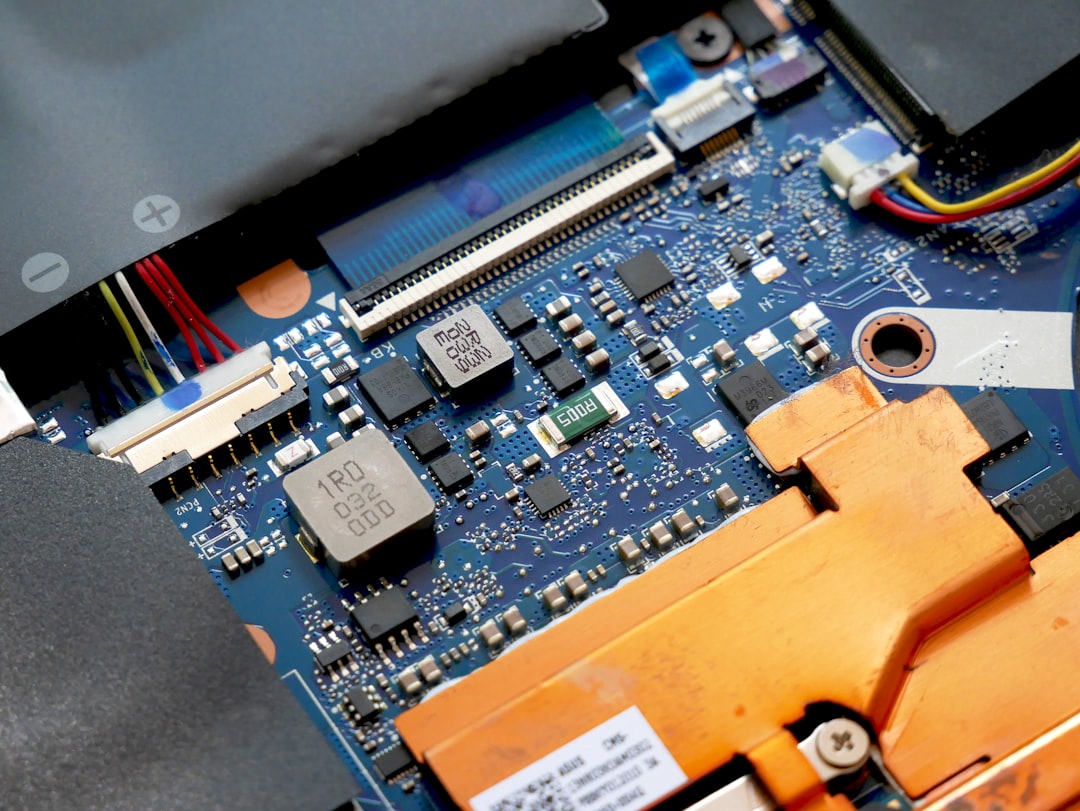
Intel and AMD both describe modern AI PCs as systems that combine a CPU, GPU and NPU. The NPU—neural processing unit—is designed to handle sustained AI tasks efficiently without sending every workload to the cloud or forcing the CPU and GPU to do all the work.
What Is an AI PC?
An AI PC is a computer with hardware and software designed to accelerate AI workloads on the device. The key addition is usually an NPU alongside the familiar CPU and GPU.
Intel’s current documentation describes the three-engine design directly: the CPU handles general-purpose and responsive work, the GPU provides high parallel throughput, and the NPU specializes in power-efficient sustained AI processing. AMD uses the same basic CPU/GPU/NPU model for Ryzen AI systems.
Official references: Intel: What is an AI PC? and AMD Ryzen AI PCs.
What Does the NPU Actually Do?
An NPU is a processor optimized for neural-network calculations. It is designed to run supported AI workloads efficiently, often at lower power than using a CPU or discrete GPU for the same background task.
Examples can include camera effects, noise suppression, image enhancement, speech processing, local inference and other AI-assisted features. The actual list depends on the software installed and whether the application has been written to use the NPU.
CPU vs GPU vs NPU
| Processor | Best At | AI Role |
|---|---|---|
| CPU | General-purpose, responsive computing | Control logic, smaller tasks, application work |
| GPU | Highly parallel processing | Large AI workloads, graphics, training/inference depending on software |
| NPU | Efficient neural-network operations | Low-power local AI tasks and sustained background inference |
The three engines complement one another. An NPU does not make the CPU or GPU obsolete, and a powerful discrete GPU can still be far faster for some large local AI workloads.
Does an AI PC Work Without the Internet?
Some supported AI features can run locally and therefore do not require cloud processing. AMD explicitly notes that many supported AI experiences can operate locally. That can reduce latency and keep certain data on the device.
However, owning an AI PC does not mean every AI assistant suddenly works offline. Cloud-based services still require an internet connection when the model or data lives on remote servers.
Local AI vs Cloud AI
Local AI runs the model or AI feature on your own hardware. Benefits can include lower latency, offline capability, predictable local performance and improved privacy for workflows that never leave the device.
Cloud AI uses large remote computing infrastructure. It can deliver much larger models and capabilities than a typical laptop can run locally, but requires a network connection and sends relevant data to the service according to that provider’s workflow and policies.
Most users will use both rather than choosing one permanently.
Does Local AI Mean Your Files Are Automatically Private?
No. A local feature can reduce data transmission because processing happens on the device, but privacy still depends on the application, telemetry, cloud connections and how you use the result.
Do not assume an ‘AI PC’ badge guarantees that every AI-enabled app is offline. Check the application’s documentation.
For practical file precautions, see How to Use AI Safely With Files on Your PC.
What Can You Do With an AI PC Today?
Practical uses include AI-enhanced video calls, background effects, image and audio processing, local transcription, creative tools, coding assistance, local chat applications and workflow automation. Which functions run on the NPU varies by processor and software.
AMD’s current Ryzen AI materials also highlight local model workflows and developer tools. Intel similarly emphasizes on-device AI applications rather than one single built-in assistant.
Do You Need an AI PC for ChatGPT, Claude or Gemini?
No. These services can be used from ordinary supported PCs because their primary model processing is cloud-based. A newer AI PC may improve surrounding Windows features, local utilities, battery efficiency and future software, but it is not a requirement for using popular web AI assistants.
See ChatGPT vs Claude vs Gemini for the software side of the decision.
Will an NPU Make Windows Faster?
Not automatically. Ordinary Windows responsiveness still depends heavily on CPU performance, RAM, SSD speed, background software and system health. An NPU helps only when software is designed to use it.
If your existing PC is slow because it has a mechanical hard drive or insufficient RAM, buying a new ‘AI PC’ is a much larger solution than the immediate problem. Review Best PC Upgrades Before Buying a New Computer first.
What About Copilot+ PCs?
Microsoft uses the Copilot+ PC label for a specific class of Windows PCs that meet Microsoft’s current hardware requirements for supported on-device AI experiences. That is a narrower marketing and platform category than the broad concept of ‘a PC with AI acceleration.’
Requirements and supported features continue to evolve, so check Microsoft’s current Copilot+ PC documentation when shopping rather than relying on an older fixed spec list.
TOPS Explained
NPU performance is often advertised in TOPS, or trillions of operations per second. It is a useful indicator of raw AI throughput but should not be treated like a universal real-world benchmark.
Different architectures, data types, software optimization and memory systems can produce different practical results at similar TOPS ratings. Buy the whole computer, not one number.
RAM Still Matters
AI workloads can use substantial system memory. A powerful NPU does not compensate for too little RAM when applications, browsers and local models consume more memory than the system has available.
For 2026 Windows systems, PCFix411 generally considers 16 GB a sensible mainstream baseline and 32 GB increasingly useful for heavier creation, development and local AI work. See How Much RAM Does Windows 11 Really Need?.
Storage Matters Too
Local models and creative assets can consume many gigabytes. A 512 GB laptop may feel restrictive if you intend to keep multiple local models, large project files and games on the same system.
Consider 1 TB or more when the budget allows, especially for a machine intended for AI experimentation or content creation. See How to Choose an SSD for Your PC.
Integrated Graphics vs Discrete GPU
A modern integrated GPU can accelerate many creative and AI tasks while keeping battery use and cost under control. A discrete GPU still matters for high-end gaming, 3D rendering and large local AI workloads that can take advantage of its compute resources and dedicated memory.
Do not buy a thin AI laptop expecting its NPU to replace a workstation-class GPU for every generative-AI workload.
Battery Life
One reason NPUs matter in laptops is efficiency. Background effects and AI features can be moved away from higher-power compute engines when the software supports the NPU, helping preserve battery life compared with running every supported task on the CPU or GPU.
Should Gamers Care About AI PCs?
Gaming laptops and desktops increasingly use AI-assisted graphics and system features, but the GPU remains the most important component for gaming performance. Buy primarily around the games, resolution and frame rate you want.
An NPU is a useful additional capability, not a substitute for the correct gaming GPU.
Should Home-Office Users Care?
For remote workers, the most practical AI-PC benefits can be efficient camera and audio effects, local transcription and emerging productivity features. But a good display, webcam, microphone and reliable networking often improve the workday more immediately than an NPU specification.
See Complete Home-Office Technology Setup Guide.
Who Should Buy an AI PC Now?
- You are already replacing an old laptop or desktop.
- You want a modern platform with a longer software runway.
- You value efficient local AI features on a laptop.
- You develop or experiment with on-device AI.
- You want stronger integrated graphics and modern CPU efficiency along with the NPU.
- You plan to keep the machine for several years and want emerging AI software support.
Who Can Wait?
- Your current PC is fast, supported and reliable.
- You use AI mainly through cloud services.
- Your real bottleneck is storage, RAM or another inexpensive upgrade.
- You are considering replacing a PC only because of the ‘AI PC’ label.
AI PC Buying Checklist
- Choose the laptop or desktop around your actual workload first.
- Check CPU and GPU performance, not only NPU TOPS.
- Buy enough RAM for the next several years.
- Choose enough SSD capacity for local files and models.
- Verify which applications currently use the NPU.
- Check battery life, display, ports and repairability.
- Do not assume every AI feature runs locally.
- Compare the price premium with a similar non-AI-focused system.
Bottom Line
If you are buying a new mainstream Windows PC in 2026, getting a modern processor with a capable NPU is a sensible way to prepare for more on-device AI. But most people do not need to replace a good computer just to get the label. Cloud AI works on ordinary PCs, and everyday performance still depends on the familiar fundamentals: CPU, GPU, RAM, SSD, cooling, software and build quality.