Some links on PCFix411 may earn a commission from GearReady, software partners, or Amazon Associates at no extra cost to you.
Ring lights and LED panels can both make a webcam or camera look dramatically better, but they create different types of light. A ring light is compact, simple and easy to center around a camera. An LED panel is more flexible, easier to position off-axis and better suited to setups that may grow into a multi-light studio.
The best choice depends on how much space you have, whether you wear glasses, what kind of content you create and how much control you want over the look.
What a Ring Light Does Well
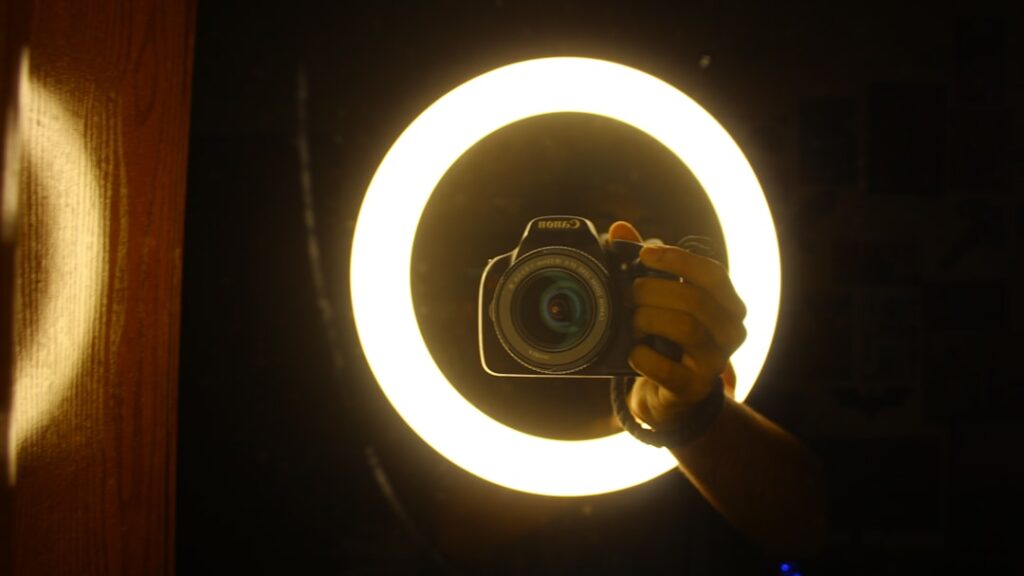
A ring light creates a broad, even source directly around or near the camera. It is popular for video calls, beauty content, product demonstrations, short-form video and beginner creator setups because it is easy to use.
Place the camera near the center of the ring, raise the light slightly above eye level and adjust brightness until your face is evenly exposed.
Ring Light Advantages
- Simple beginner setup
- Even facial lighting
- Compact footprint
- Easy camera-centered positioning
- Often includes phone holders or small tripods
- Good value for basic video calls and social video
Ring Light Limitations
The same centered light that makes a ring light simple can also make the image look flat. It may create a circular reflection in glasses or eyes, and large rings take up desk space when placed close to a monitor.
If you wear glasses, move the light slightly higher or off to one side and angle it downward until the reflection disappears.
What an LED Panel Does Well
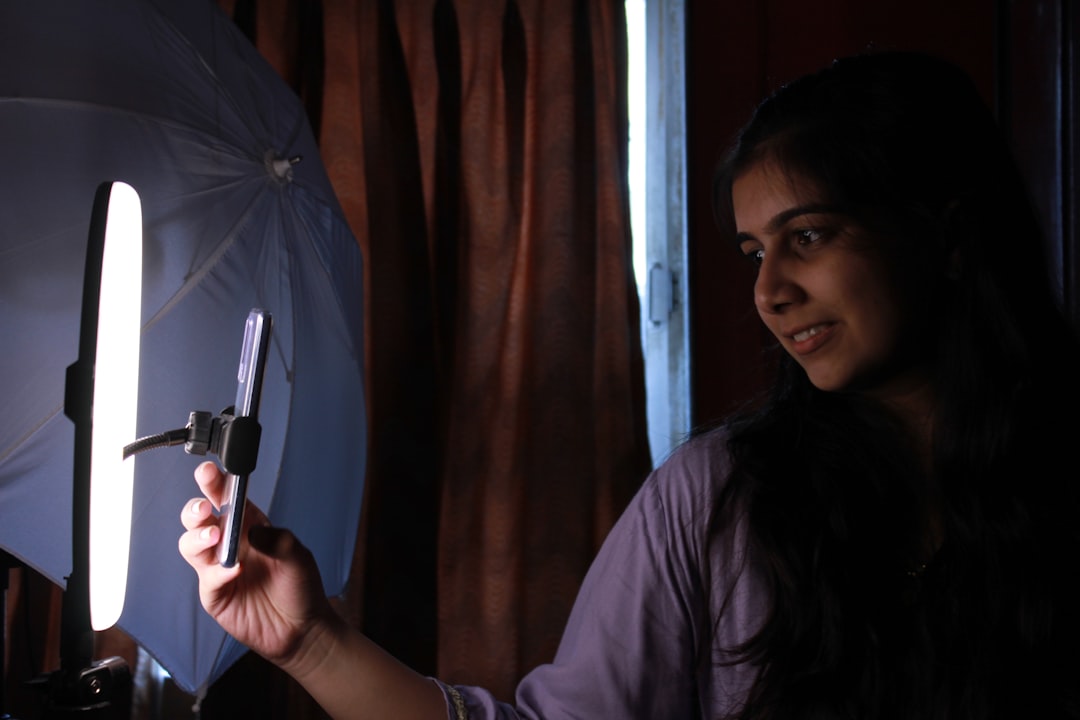
An LED panel is usually rectangular and can be placed independently of the camera. That makes it easier to create directional light, control shadows and build a two-light setup later.
Panels range from tiny camera-top lights to larger studio fixtures. For a desk, a compact dimmable panel on a small stand or arm is often enough.
LED Panel Advantages
- Flexible placement
- More natural directional lighting
- Easier to avoid glasses glare
- Works well as a key, fill or background light
- Easy to expand into a multi-light setup
- Bi-color models can match room lighting
LED Panel Limitations
A panel can require a little more experimentation because you have to decide where to put it. Very small panels can create harsh shadows when used close to the face unless they include diffusion.
For a softer look, use a diffuser or bounce the light off a light-colored wall when practical.
Which Looks Better on Video?
An LED panel usually gives you more control and can create a more dimensional image. A ring light usually gives you a faster acceptable result with less setup.
If your goal is simply to look clear and professional on Zoom or Teams, either works. If you are building a YouTube or streaming setup that will grow over time, a panel is usually the more flexible investment.
Color Temperature
Look for adjustable color temperature when possible. Warm household bulbs may sit around the lower end of the Kelvin range, while daylight is cooler. A bi-color light lets you match the room instead of creating a face that looks blue against a warm background.
Consistency matters more than chasing an exact number. Avoid mixing very warm and very cool lights on your face unless you are intentionally creating an effect.
Brightness and Dimming
More brightness is not always better. A light that is too bright can cause eye strain, washed-out skin and harsh reflections. Dimming control is essential because it lets you position the light close enough for softness without overexposing your face.
Ring Light vs LED Panel for Glasses
LED panels are usually easier for people who wear glasses because you can move the light farther off-axis. A ring light can work, but the circular reflection can be difficult to hide if the light stays directly in front of you.
Ring Light vs LED Panel for Small Desks
A small ring light with a monitor or desk clamp can be compact. A panel on an articulated arm can be even cleaner because the stand does not occupy desk space. Measure the available area before buying a large floor tripod.
For Video Calls
Choose whichever light is easiest to leave in place. The best video-call light is one you can turn on quickly without rebuilding your desk. PCFix411’s video-call setup guide covers camera and microphone placement too.
For YouTube and Streaming
An LED panel provides a better expansion path. Start with one key light, then add a weaker fill or background light later. For a simple face-camera stream, a ring light remains a perfectly reasonable starting point.
See our beginner creator gear guide before building out the rest of the studio.
Where to Shop Lighting
For this topic, PCFix411 routes shoppers to GearReady’s live Content Creator & Streaming Rigs collection for ring lights, LED lights, mounts and creator accessories. The Home Studio Gear collection is also appropriate when lighting is part of a broader recording or podcast setup.
Bottom Line
Choose a ring light for the fastest, simplest face-lighting setup. Choose an LED panel when you want more control, fewer reflections and room to grow into a more advanced studio. In either case, placement, brightness and color temperature matter more than buying the largest light available.