Some links on PCFix411 may earn a commission from GearReady, software partners, or Amazon Associates at no extra cost to you.
Choosing between a laptop and a desktop is really a choice between mobility and flexibility. Both can run Windows 11, handle office work, browse the web, stream media and support demanding creative applications. The better choice depends on where you work, how much performance you need, how long you want to keep the machine and whether upgrades matter to you.
The Short Version
Buy a laptop if portability, battery power and an all-in-one design matter most. Buy a desktop if you want the best performance per dollar, easier repairs, more upgrades and a larger fixed workspace.
Price and Performance
Desktops usually deliver more performance for the same money because they do not need a built-in display, battery, compact cooling system, keyboard and touchpad. Desktop components can also run at higher sustained power levels without the same thermal limits found in thin laptops.
Laptops cost more for equivalent performance because you are paying for miniaturization and mobility. That premium can still be worthwhile if you need one computer for home, travel, school and work.
Portability
This is the laptop’s biggest advantage. A notebook can move from an office desk to a kitchen table, client site or hotel room without changing your computing environment.
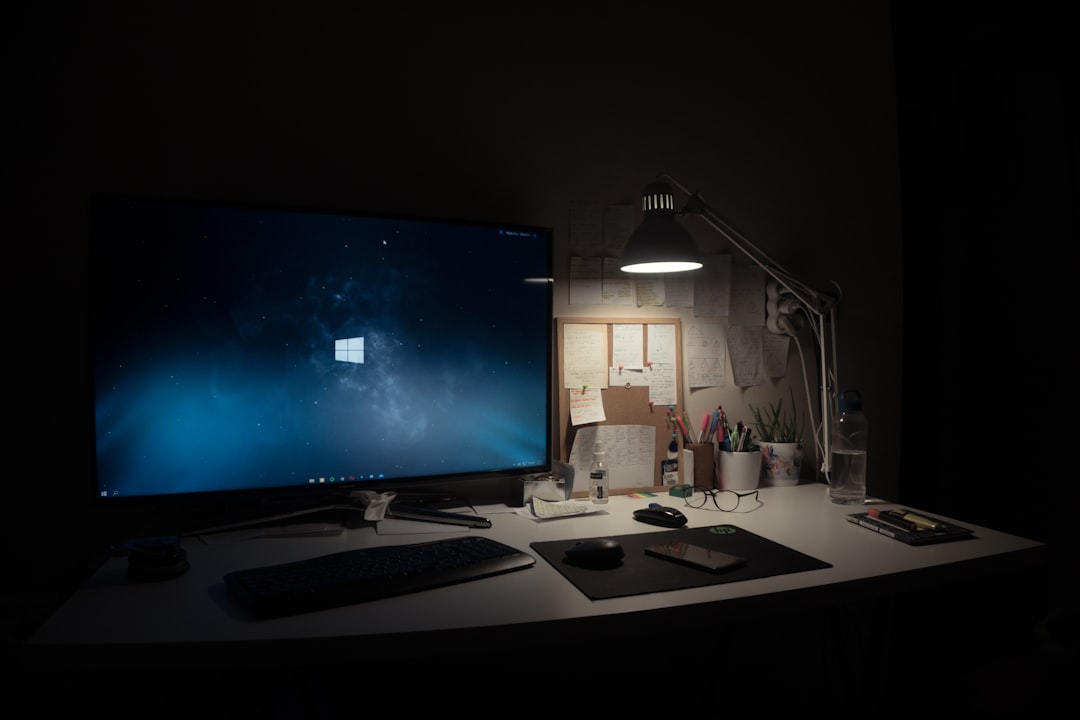
A desktop is intentionally stationary. Even a compact small-form-factor PC still needs an external monitor, keyboard, mouse and power connection.
Upgradeability
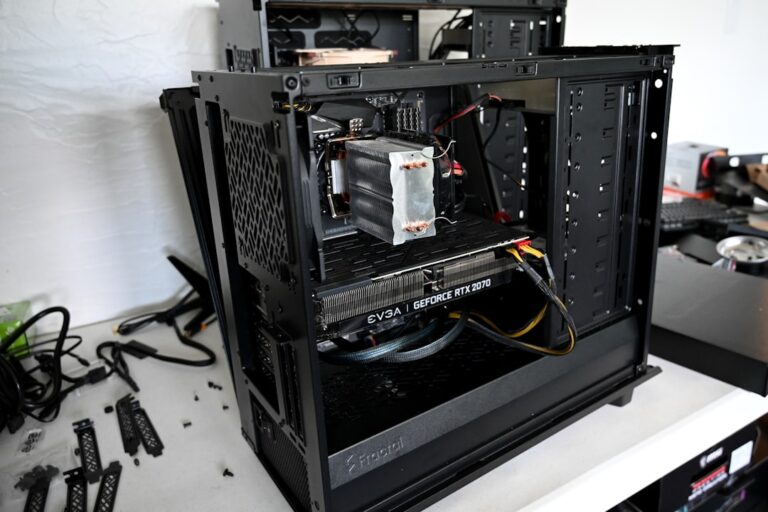
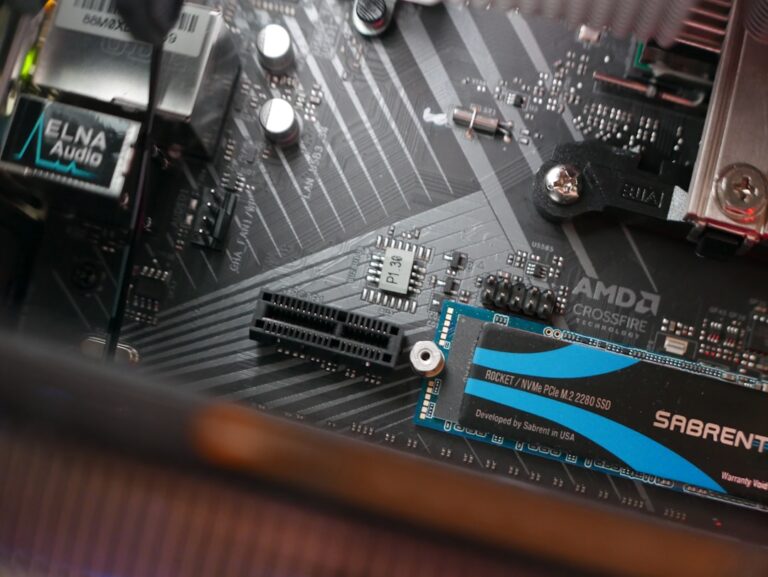
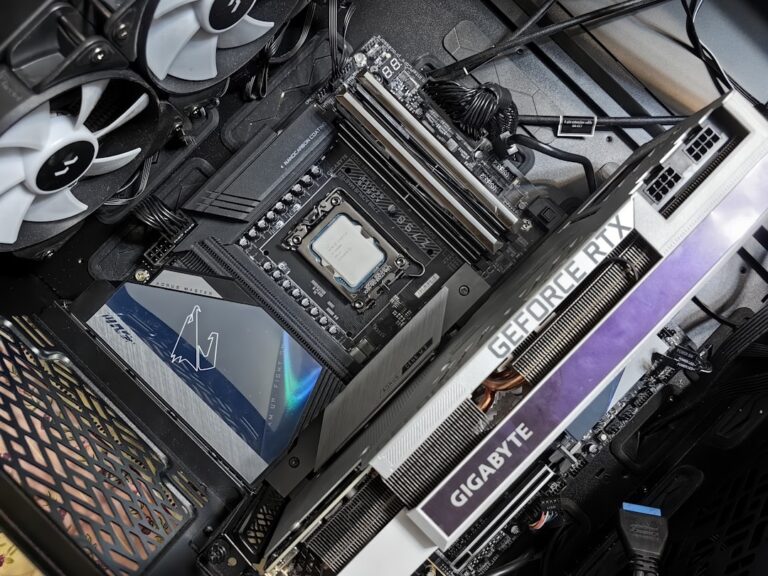
Most desktops allow you to replace or add storage, RAM, graphics cards, expansion cards, cooling, power supplies and sometimes processors. That makes it easier to extend the computer’s useful life or adapt it to new workloads.
Laptop upgradeability varies widely. Many models still allow SSD replacement and some allow memory upgrades, but thin systems increasingly use soldered RAM and integrated components. Before buying, check whether storage and memory are replaceable.
If you already own a PC that feels slow, upgrading may be smarter than replacing it. See Best PC Upgrades Before Buying a New Computer.
Repairability
Desktop parts are more standardized, which can make repairs simpler and more economical. A failed power supply, storage drive or graphics card can often be replaced without replacing the entire system.
Laptops are more integrated. A failed display, keyboard, charging port or motherboard can require model-specific parts and more labor. Business-class laptops often have better service documentation than ultra-thin consumer models.
Cooling and Sustained Performance
Desktop cases have room for larger heatsinks and fans. That matters for gaming, 3D rendering, video exports, local AI workloads and long CPU-intensive tasks.
A laptop may perform very well in short bursts and then reduce clock speeds as heat builds. Larger gaming and workstation laptops manage sustained loads better than thin-and-light models, but they also become heavier and noisier.
Battery Power and Outages
A laptop’s battery acts as a built-in short-term backup during a power interruption. You can save work and keep going temporarily without an external UPS.
Desktop users who need power protection should use a properly sized uninterruptible power supply. A UPS also helps protect monitors and networking equipment from brief outages.
Display Flexibility
Laptops include a display, which is convenient but limits size and upgradeability. You can still connect one or more external monitors if the laptop and dock support them.
Desktop users can choose almost any monitor size, resolution, refresh rate and multi-monitor arrangement without paying for a built-in screen they may not use.
Gaming
For serious gaming, desktops usually provide better performance per dollar and easier graphics upgrades. Desktop GPUs generally operate at higher power limits than similarly named laptop GPUs.
Gaming laptops make sense when you need portability or lack space for a permanent setup. Just remember that they can be heavier, louder and more expensive than standard laptops.
Home Office Use
If you work from the same desk every day, a desktop can be a strong value. It pairs naturally with larger monitors, a full-size keyboard, webcam, microphone and wired networking.
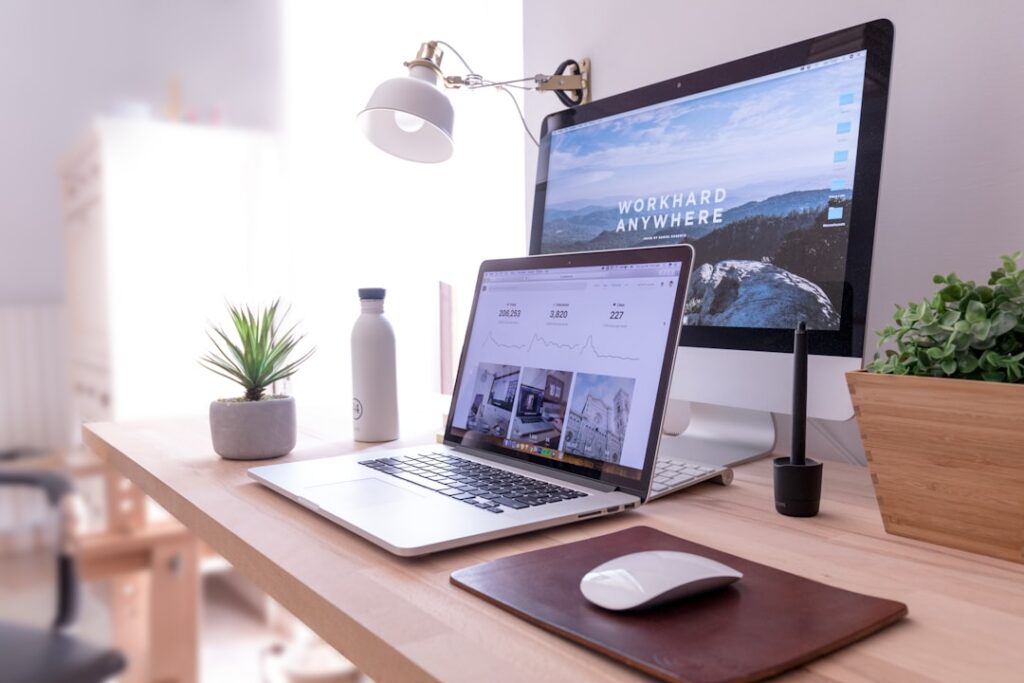
If your work shifts between rooms, offices or travel locations, a laptop becomes more practical. A docking station can turn a portable computer into a full desktop-style workstation when you return to your desk.
Content Creation
Video editing, audio production, photo work and streaming benefit from strong CPU performance, GPU acceleration, storage capacity and multiple ports. Desktops offer more expansion and sustained performance, but powerful creator laptops can handle professional workloads when mobility is necessary.
AI and Local Workloads
AI software increasingly uses GPUs, dedicated NPUs and large amounts of memory. Desktops are better if you expect to upgrade graphics hardware or run larger local models. Laptops with modern AI-focused processors can still be useful for productivity features and lighter local workloads.
Noise
A well-built desktop can be very quiet because larger fans can move more air at lower speeds. Thin laptops often need small fans spinning quickly under load.
If silence matters for recording or video calls, consider noise as part of the purchase decision instead of looking only at benchmark speed.
Energy Use
Laptops are designed around power efficiency and usually consume much less electricity than performance desktops. For users who leave a computer on for long periods, the difference can become meaningful.
Which One Lasts Longer?
Either can last many years if built well and maintained properly, but desktops have an advantage because more components can be replaced individually. A laptop can remain useful for a long time too, especially when the SSD, battery and RAM are serviceable.
Choose a Laptop If…
- You regularly work away from one desk.
- You need battery operation.
- You want one compact device with screen, keyboard, webcam and speakers included.
- Your performance needs are moderate or you are willing to pay more for a powerful mobile system.
- Space is limited.
Choose a Desktop If…
- You want maximum performance per dollar.
- You expect to upgrade storage, RAM or graphics later.
- You work primarily from one location.
- You need better cooling for sustained heavy workloads.
- You want easier repairability.
- You prefer a custom monitor and peripheral setup.
What About a Mini PC?
Mini PCs sit between traditional desktops and laptops. They are compact, efficient and easy to mount behind a monitor, but they typically offer less upgradeability and graphics expansion than full-size desktops. They are excellent for office work, media, light development and compact home setups.
PCFix411 Buying Checklist
- Decide whether portability is essential or simply nice to have.
- List the applications you actually use.
- Estimate how much RAM and storage you need.
- Decide whether future upgrades matter.
- Consider the full cost of monitors, docks, peripherals and accessories.
- Check ports, Wi-Fi, Ethernet and display-output requirements.
- Review repairability and warranty coverage.
Bottom Line
For a fixed home office, gaming station or long-term upgradeable system, a desktop is usually the stronger value. For mobile work, school, travel or flexible spaces, a laptop is usually worth the extra cost. The best computer is not the one with the longest specification sheet; it is the one whose design matches the way you actually work.