Some links on PCFix411 may earn a commission from GearReady, software partners, or Amazon Associates at no extra cost to you.
USB and XLR microphones can both sound excellent. The difference is not that one connector automatically produces professional audio and the other does not. The real difference is how the microphone connects, how much gear you need, and how far you want the setup to grow.
For many new streamers and creators, USB is the smarter starting point. XLR becomes more valuable when you want multiple microphones, physical gain control, mixers, audio interfaces or a longer-term studio setup.
What Is a USB Microphone?
A USB microphone contains the electronics needed to convert your voice into digital audio and sends that signal directly to the computer. Plug it into a USB port, select it in Windows or your streaming software and start recording.
That simplicity is the main advantage. You do not need a separate audio interface, XLR cable or mixer.
What Is an XLR Microphone?
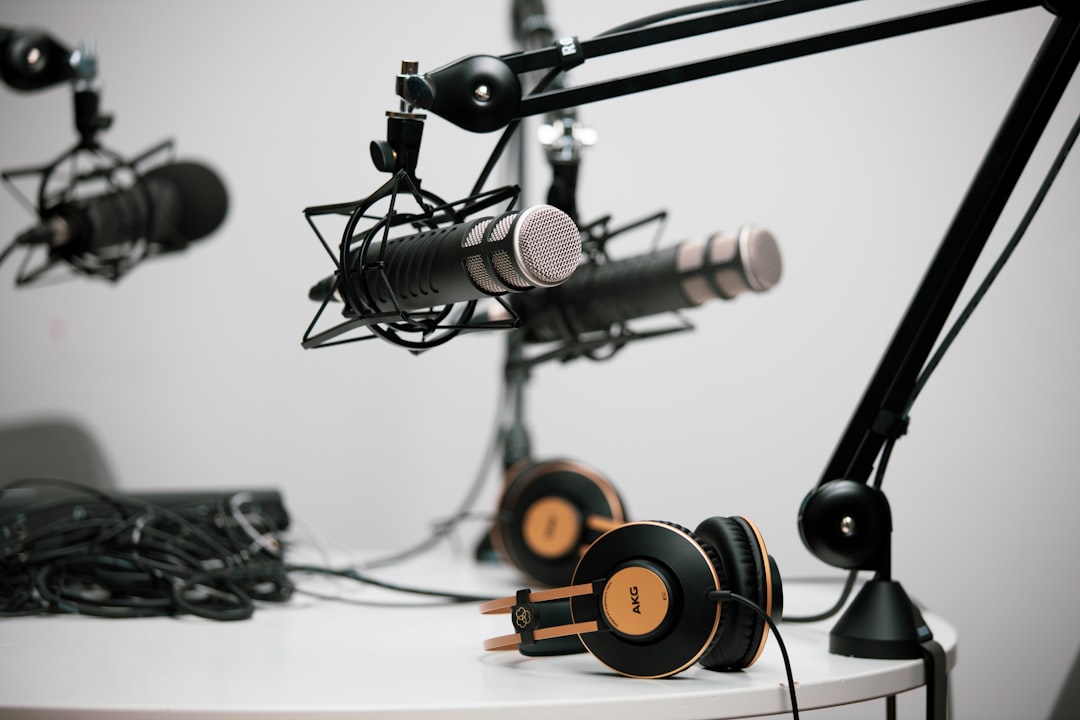
An XLR microphone sends an analog signal through an XLR cable. It normally connects to an audio interface, mixer or similar device that converts the signal for the computer. Some microphones need 48V phantom power, while many dynamic microphones do not.
The extra hardware makes the setup more expensive, but it also gives you more control and a cleaner path to multiple microphones.
USB Advantages
- Easy plug-and-play setup
- Lower total entry cost
- Fewer cables and devices
- Portable between computers
- Good fit for one-person streaming, voiceovers and meetings
If your workflow is one microphone and one computer, USB removes a lot of unnecessary complexity.
USB Limitations
USB setups can become awkward when you need several microphones at once. Each microphone behaves like a separate audio device, and keeping multiple USB audio clocks synchronized can be more complicated than using one multi-input interface.
You also have less freedom to replace individual parts of the signal chain because the preamp, converter and USB connection are built into the microphone.
XLR Advantages
- Easy expansion to multiple microphones
- Separate control over microphone, interface and mixer
- Long cable runs are practical
- Physical gain controls are common
- More choices for studio and broadcast workflows
With XLR, you can upgrade the interface without replacing the microphone, or replace the microphone while keeping the rest of the system.
XLR Limitations
The main drawback is cost and complexity. You need the microphone, an XLR cable and an audio interface or mixer. You also need to understand gain staging well enough to avoid recording too quietly or clipping the signal.
For a beginner who only needs one microphone, that extra equipment may not improve the final result enough to justify the expense.
Dynamic vs Condenser Is a Separate Decision
USB versus XLR describes the connection. Dynamic versus condenser describes the microphone design. Do not confuse the two decisions.
Dynamic microphones are often useful in untreated rooms because they can be positioned close to the mouth and may pick up less room sound. Condenser microphones can capture more detail but may also reveal room echo, keyboards and background noise more easily.
What About USB/XLR Hybrid Microphones?
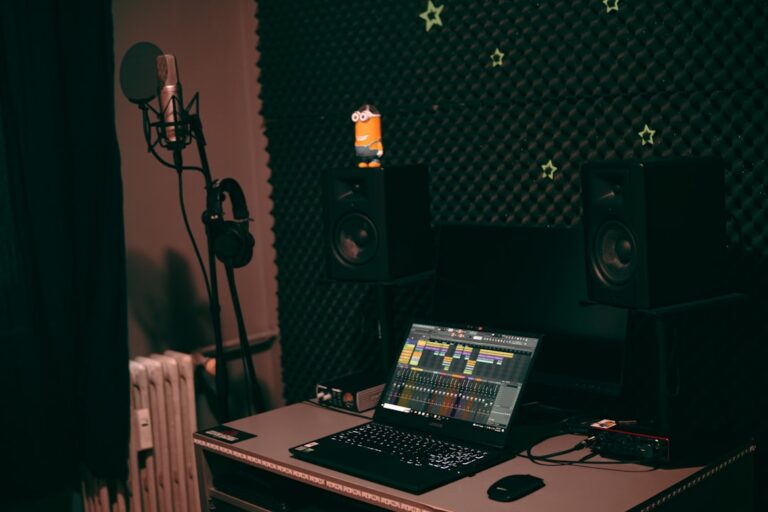
Hybrid microphones provide both connectors. They are one of the best options for creators who want to start simple and keep an upgrade path. Use USB today, then move to XLR later when you add a mixer or interface.
This approach avoids buying a second microphone solely because your workflow expanded.
Do You Need an Audio Mixer?
Not necessarily. An audio interface is enough for many XLR users. A mixer becomes useful when you want physical faders, multiple sources, sound effects, routing or live control during streams.
For a single-person stream, keep the chain simple until you have a reason to add more hardware.
Which Is Better for Streaming?
USB is better for most beginners. It is fast to configure and leaves more of your budget for lighting, camera placement and other upgrades.
XLR is better for expandable studios. If you expect guests, podcasts, several microphones or more advanced audio routing, XLR makes the system easier to grow.
Which Is Better for Podcasting?
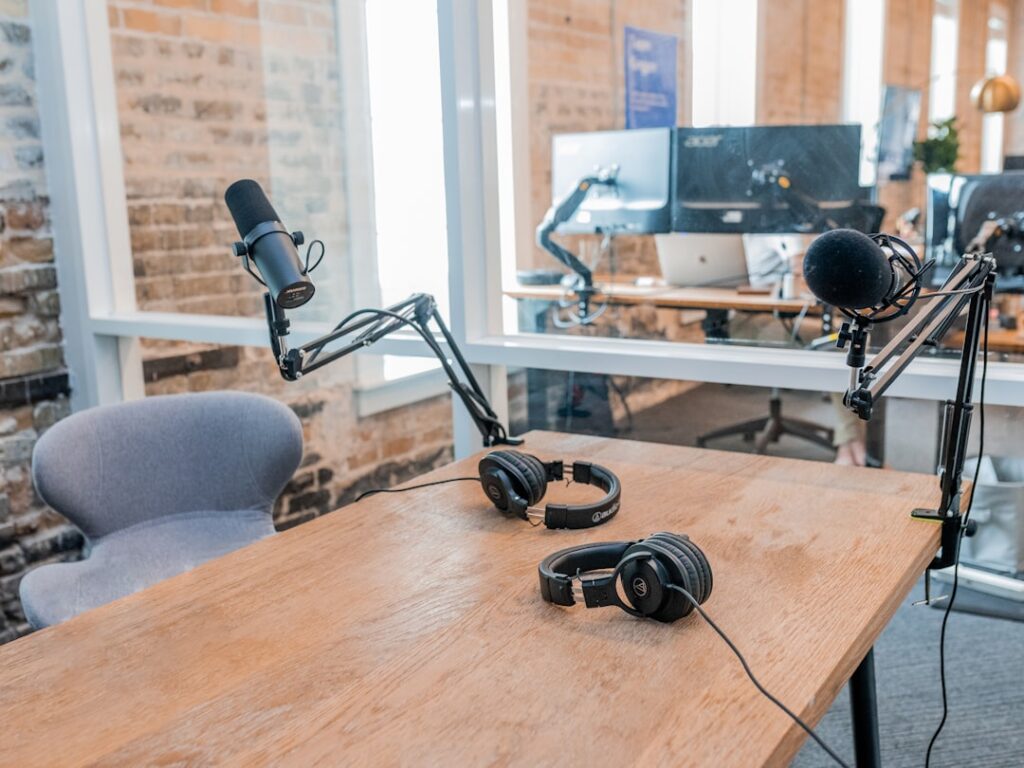
For a solo podcast, either format works. For two or more local microphones, an XLR interface or mixer is usually easier to manage because all microphones enter the computer through one audio device.
Which Is Better for Video Calls?
A USB microphone is usually the practical choice. You do not need a studio signal chain just to improve Zoom or Teams audio. PCFix411’s video-call setup guide covers the broader webcam, lighting and microphone workflow.
How Much Should You Spend?
Spend enough to solve your actual audio problem, not enough to imitate a professional studio. A solid USB microphone positioned correctly can outperform an expensive XLR microphone placed several feet away in an echo-filled room.
Room acoustics, microphone distance and gain settings have a major effect on the result.
Where PCFix411 Sends Audio Shoppers
For microphones, mixers and recording accessories, the correct GearReady destination is the live Home Studio Gear collection. For a broader streaming setup that also includes webcams, capture devices, lighting and mounts, use Content Creator & Streaming Rigs.
Bottom Line
Choose USB if you want one microphone, minimal setup and strong value. Choose XLR if you need expansion, multiple microphones or more control over the audio chain. If you are unsure, a USB/XLR hybrid microphone gives you the easiest path from beginner setup to a more advanced studio.