Some links on PCFix411 may earn a commission from GearReady, software partners, or Amazon Associates at no extra cost to you.
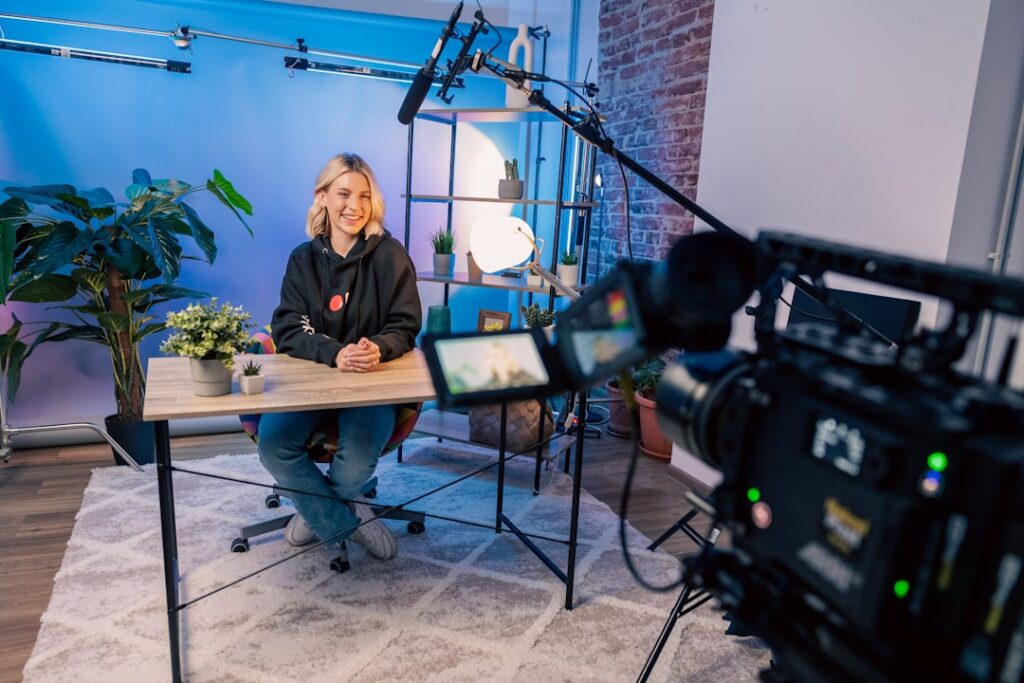
Starting a YouTube channel or livestream setup can become expensive quickly if you buy gear before you know what problem each item solves. Beginners usually get better results by building a simple system around clear audio, controlled lighting and reliable framing instead of chasing a long shopping list.
This guide explains the creator gear that delivers the biggest practical improvement first, what can wait until later, and how to build a setup that can grow with your content.
1. Microphone: The First Upgrade for Most Creators
Viewers will forgive average video faster than distracting audio. Echo, keyboard noise, air-conditioning rumble and a microphone that is too far away can make even a good camera feel amateur.
For beginners, a USB microphone is usually the easiest choice. It connects directly to a computer and avoids the extra cost of an audio interface. A USB/XLR microphone is more flexible because you can start with USB and move to an XLR mixer or interface later.
If you record from a desk, a boom arm helps move the microphone close to your mouth while keeping it out of the center of the frame. For mobile content, a wireless lavalier microphone can be more practical.
2. Lighting: The Cheapest Way to Improve Video Quality
Good lighting can make an ordinary webcam look much better. Start with a window in front of you when possible. If natural light changes throughout the day, add a dimmable LED light, ring light or compact bi-color panel.
Put your main light slightly above eye level and off to one side of the camera. If the opposite side of your face looks too dark, use a weaker second light or a white wall to bounce light back.
Do not buy multiple RGB lights before you have a good main light. Colored accent lighting can improve a background, but it does not replace proper face lighting.
3. Camera or Webcam: Upgrade After Audio and Lighting
A 1080p webcam is enough for many beginner channels, tutorials, live streams and talking-head videos. A 4K webcam can provide more cropping flexibility, but resolution alone does not guarantee a better image.
Look for dependable autofocus, acceptable low-light performance, a useful field of view and mounting flexibility. If you already own a recent smartphone, it may produce better video than an inexpensive webcam and can be a smart way to delay a camera purchase.
For video calls and remote work specifically, see PCFix411’s webcam, microphone and lighting setup guide.
4. A Stable Mount Matters More Than People Expect
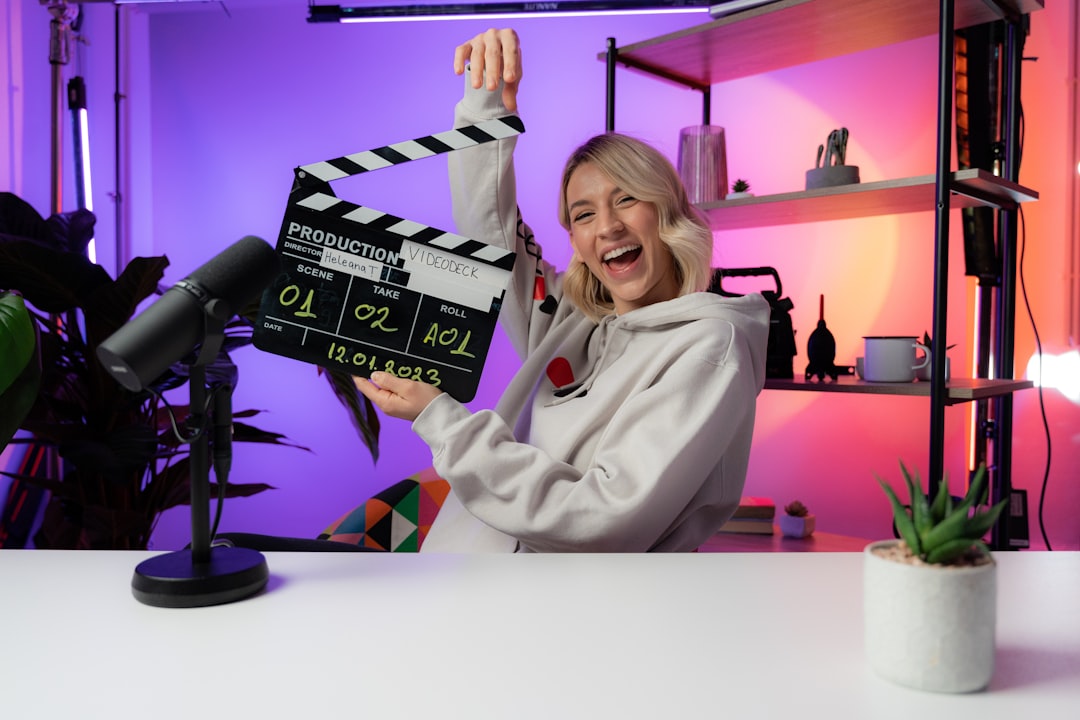
Shaky framing makes content harder to watch. Use a tripod, monitor mount, desk arm or smartphone clamp that holds the camera securely. A good mount also makes it easier to repeat the same framing every time you record.
For desk videos, put the lens close to eye level. For product demonstrations, consider a second adjustable arm or overhead mount later.
5. Capture Cards: Only If Your Workflow Needs One
You do not need a capture card to record normal webcam or desktop content. You usually need one when bringing an external HDMI source into the computer—for example, a game console, camera or another computer.
For 1080p streaming, a USB 3.0 capture device that can reliably handle 1080p60 is often enough. Higher-end capture hardware makes more sense after your channel proves you need it.
6. Audio Mixers and Interfaces
A mixer becomes useful when you want physical volume controls, multiple microphones, sound effects, XLR inputs or more control over livestream audio. Beginners using one USB microphone can skip it at first.
If you know your setup will grow into podcasting or multi-person streaming, buying a simple mixer or audio interface can avoid replacing equipment later.
7. Background and Room Treatment
Your background does not have to look expensive. A clean wall, shelf, plant or organized workstation is enough. The goal is to keep attention on the subject.
Audio treatment can matter more than decorative lighting. Rugs, curtains, bookshelves and soft furniture reduce room echo. Before buying acoustic foam, listen to a test recording and determine whether echo is actually a problem.
Three Sensible Beginner Budgets
Use What You Have
- Smartphone or existing webcam
- Existing earbuds or headset microphone
- Window light
- Basic tripod or laptop stand
This is enough to learn recording, editing, thumbnails, titles and presentation before investing more money.
Starter Creator Setup
- 1080p webcam or smartphone mount
- USB microphone
- Dimmable LED or ring light
- Tripod or boom arm
This is the best value tier for people who are publishing consistently but do not need a full studio.
Expandable Home Studio
- 4K webcam or interchangeable camera
- USB/XLR microphone
- Audio mixer or interface
- Two-light setup
- Capture card when needed
- Better mounting and background control
This level makes sense once content creation is becoming a serious business or recurring workflow.
What Beginners Should Not Buy First
- Expensive cameras before learning lighting
- Large audio mixers for one microphone
- Multiple RGB lights before getting a useful key light
- High-end capture cards without an HDMI source to capture
- Decorative accessories that do not improve audio, image or workflow
Every purchase should solve a specific bottleneck.
Where to Shop the Relevant GearReady Collections
For this topic, PCFix411 routes readers to two specific GearReady collections rather than the store homepage. The live Content Creator & Streaming Rigs collection includes creator-focused webcams, microphones, capture gear, lighting, mounts and related streaming equipment. The Home Studio Gear collection is a better fit when your priority is microphones, mixers, lighting and recording accessories.
Bottom Line
For a beginner creator, the highest-return setup is usually a decent microphone, one good light, a stable camera position and the camera you already own. Publish enough content to learn where your real limitations are. Then upgrade one bottleneck at a time instead of buying a studio before you have a workflow.