Some links on PCFix411 may earn a commission from GearReady, software partners, or Amazon Associates at no extra cost to you.
Linux can be a capable graphic-design platform when you choose tools around the type of work you actually do. You do not need to force one application to handle every job. A stronger workflow combines raster editing, vector illustration, digital painting, layout, 3D work, font management and reliable export practices.
This guide shows how to build a practical open-source graphic-design setup on Linux, which applications fit which jobs, how to organize files, and what to check before moving a professional workflow away from Windows or macOS.
Start With the Type of Design Work You Do
Before installing software, define the deliverables you create most often. A social-media designer has different needs from a print designer, illustrator, photographer or 3D artist.
- Photo editing and raster graphics: GIMP is the main open-source choice.
- Logos, icons and vector illustration: Inkscape is the strongest starting point.
- Digital painting and drawing: Krita is built around brush-based artwork and pen-tablet workflows.
- 3D modeling and rendering: Blender covers modeling, materials, animation, compositing and rendering.
- Page layout and print documents: Scribus can handle brochures, flyers and other page-layout work.
The advantage of this approach is that each program can stay focused on the job it does best.
GIMP for Photo Editing and Raster Design
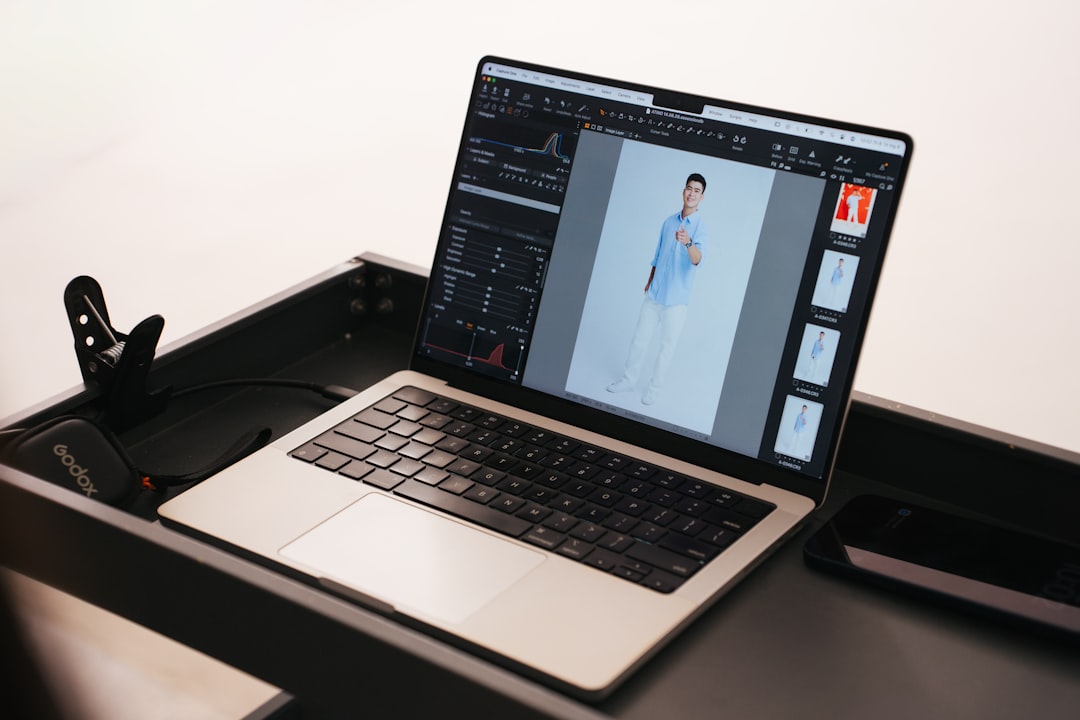
GIMP is useful for photo correction, image compositing, web graphics, thumbnails, banners and other pixel-based work. Its layers, masks, selections, transforms and color-adjustment tools cover a large portion of everyday raster-editing needs.
For a clean workflow, keep the editable project file separate from the exported image. Save the layered working file first, then export a JPEG, PNG or WebP copy for delivery. That prevents accidental flattening from destroying your editable source.
If you regularly exchange layered files with Adobe Photoshop users, test compatibility on representative projects before committing to a full migration. Complex effects, smart objects, fonts and adjustment behavior may not transfer perfectly between applications.
Inkscape for Logos and Vector Graphics
Inkscape is designed for vector artwork, making it a natural choice for logos, diagrams, icons, simple illustrations and scalable graphics. Because vector artwork is built from paths and shapes instead of fixed pixels, it can scale from a small website icon to a large sign without becoming blurry.
SVG is Inkscape’s native strength and is also widely useful for websites, user-interface graphics and cutting-machine workflows. For print or client delivery, you may also export PDF or raster copies as required.
When importing or exporting files for another designer, confirm how fonts, gradients, clipping paths and transparency are handled. A visually simple test file can reveal compatibility problems before they reach a deadline.
Krita for Digital Painting and Pen Tablets
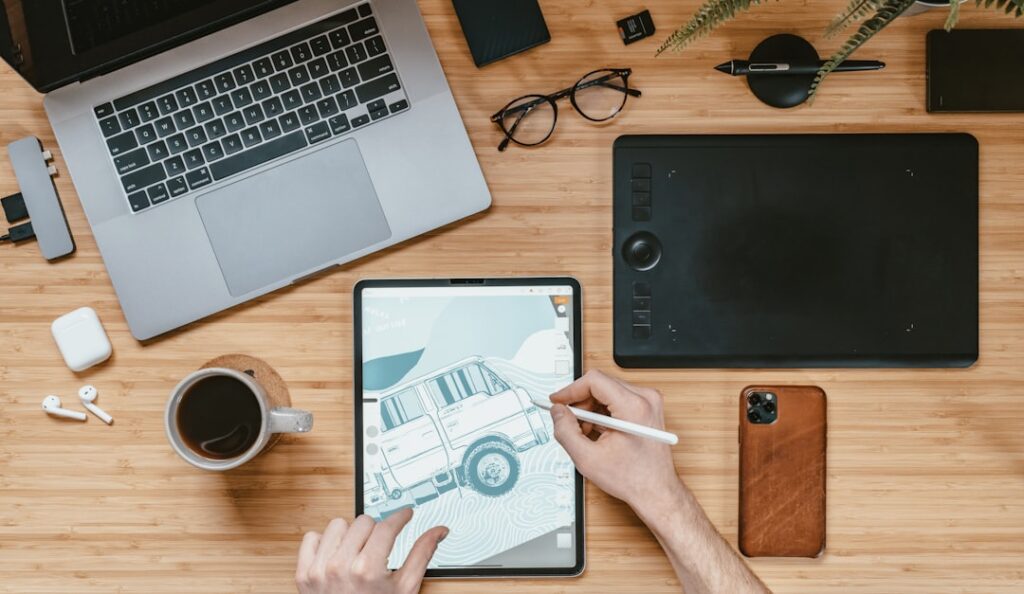
Krita is especially strong for illustration, concept art, comics and brush-driven painting. If you use a pen tablet, test pressure sensitivity, button mapping and display scaling before beginning a large project.
On Linux, drawing-tablet support depends on the hardware, desktop environment and driver stack. Many common devices work well, but a professional workflow should be verified with your exact tablet rather than assumed from a compatibility list.
Blender for 3D, Motion Graphics and Compositing
Blender is much more than a 3D modeling application. Designers can use it for product mockups, 3D text, motion graphics, compositing, animation and rendered scenes. It can also complement 2D tools when a project needs perspective, lighting or realistic materials.
Blender benefits from a capable GPU and enough system memory for the size of your scenes. If performance is poor, reduce viewport complexity, texture resolution or render settings before assuming the operating system is the problem.
Scribus for Page Layout and Print Work
Scribus can be useful for multi-page documents and print-oriented layouts. It is a different category of application from GIMP or Inkscape: page-layout software is designed to combine text, images and reusable page structures rather than edit the source artwork itself.
For commercial print work, ask the printer for exact requirements before exporting. Confirm page size, bleed, color expectations, image resolution and PDF specifications. Print problems are often caused by mismatched production requirements rather than the design application.
Choose a Linux Distribution for Stability First
Graphic-design work benefits from a stable desktop, reliable graphics drivers, predictable color behavior and easy access to software packages. A mainstream desktop distribution with strong documentation is usually a better production choice than constantly changing experimental software.
If you are new to Linux, build confidence before moving a revenue-critical workstation. You can test Linux from a bootable USB or on a secondary computer first. PCFix411’s bootable Linux USB guide explains a safe way to create installation media.
Install Applications From Trusted Sources
Linux applications may be available through the distribution’s package manager, Flatpak, Snap, AppImage or the project’s own repository. Prefer trusted, well-maintained sources and avoid random third-party download sites.
Package formats can affect update cadence, permissions, integration and disk usage. If a creative application needs access to removable drives, fonts, graphics hardware or external devices, verify those permissions after installation.
Build a Sensible Folder Structure
A predictable project layout saves time and reduces missing-file problems. A simple structure can include:
- 01_Source for original photos, scans and client assets
- 02_Working for editable project files
- 03_Assets for fonts, textures and reusable graphics
- 04_Exports for review files
- 05_Final for approved deliverables
Do not overwrite the only copy of a source image. Keep originals read-only when practical and make edits on duplicates or nondestructive layers.
Fonts Require More Attention Than Most People Expect
Font availability can make or break cross-platform design compatibility. A document that looks correct on one computer may reflow or substitute fonts on another.
Use properly licensed fonts, organize them consistently and keep a record of the fonts required for recurring client projects. When sending final artwork, convert text to paths only when the workflow requires it and you no longer need editable text. Keep an editable master with live text.
Color Management Matters for Professional Output
For web work, consistent screen calibration and an appropriate RGB workflow are usually the priority. Print workflows can require different color profiles and output expectations.
If color accuracy matters commercially, calibrate the display and confirm the printer’s requirements. Do not assume that a color viewed on an uncalibrated monitor will match a printed result.
Use Open File Formats When They Improve Portability
Open formats can reduce vendor lock-in and make long-term access easier. SVG is excellent for vector graphics, PNG and WebP are useful for many web graphics, and TIFF can be useful for high-quality raster interchange. PDF is common for sharing and print delivery.
Still, client requirements come first. If a customer or team depends on a proprietary format, test the entire round-trip workflow before accepting the project.
Back Up Design Projects Automatically
Creative files are often large, unique and expensive to recreate. Use more than one copy. A practical approach is an active project copy on the workstation, a local backup on separate storage, and an off-site or cloud copy appropriate for the sensitivity of the material.
Version important files instead of relying on names like final-final-v2. Dates or numbered revisions make it easier to recover from a bad edit.
Can You Run Windows Design Apps on Linux?
Compatibility layers can sometimes run Windows software on Linux, but professional creative applications may depend on licensing services, GPU acceleration, plug-ins or hardware integrations that do not work reliably outside their supported operating systems.
For general Windows application compatibility, see PCFix411’s guide to running Windows apps on Linux with Bottles. Treat compatibility as an experiment, not a guarantee for deadline-critical work.
Hardware Recommendations for a Linux Design Workstation
Graphic design does not always require extreme hardware. Prioritize the component that matches your workload:
- RAM: enough memory for large images, many layers and multiple applications.
- SSD: fast storage for project files, caches and application launches.
- GPU: increasingly important for 3D, rendering and accelerated effects.
- Display: good viewing angles and dependable color are more useful than decorative features.
- Pen tablet: important for illustration, retouching and handwriting workflows.
Measure your current bottleneck before upgrading. PCFix411’s PC upgrade guide explains how to decide whether memory, storage, graphics or a full replacement makes the most sense.
A Practical Open-Source Design Workflow
- Collect source assets and verify licensing.
- Plan the output size, format and color requirements.
- Create vector assets in Inkscape when scalability matters.
- Edit photos and raster composites in GIMP.
- Use Krita for brush-based illustration.
- Use Blender when the project needs 3D or rendered elements.
- Assemble page layouts in Scribus when appropriate.
- Save editable masters before exporting flattened deliverables.
- Check exports on another device or application.
- Back up the project and archive the approved final version.
When Linux Is a Great Fit
Linux is especially attractive when you value open-source tools, control over your workstation, low software cost, strong automation options and a workflow based on open formats. It is also useful for designers who already work comfortably across multiple specialized applications.
When You Should Test Before Switching
Take extra care if your income depends on Adobe-only plug-ins, exact Photoshop or Illustrator collaboration, proprietary font systems, vendor-specific tablet features, Pantone-dependent print workflows or a studio pipeline that assumes macOS or Windows.
The right question is not whether Linux can do graphic design. It can. The real question is whether your specific clients, file formats, hardware and collaboration requirements fit the Linux toolchain without adding avoidable friction.
Bottom Line
Linux can support a serious graphic-design workflow with GIMP for raster editing, Inkscape for vectors, Krita for painting, Blender for 3D and Scribus for page layout. Build the system around your deliverables, use trusted software sources, test cross-platform file compatibility, manage fonts and color carefully, and back up every project.
For more Linux, application and workstation guidance, browse PCFix411’s Software & Apps coverage.
Featured photography: Cristofer Maximilian / Unsplash. In-article photography: an.nemopo / Unsplash.