Some links on PCFix411 may earn a commission from GearReady, software partners, or Amazon Associates at no extra cost to you.
DDR5 is newer than DDR4, but that does not mean every PC owner should replace a working DDR4 system. Memory upgrades are constrained by the motherboard and CPU platform, and DDR4 and DDR5 are physically and electrically different. You normally cannot swap one generation for the other without changing more than the memory itself.
The practical question is not simply ‘Which is faster?’ It is ‘Does moving to a DDR5 platform improve the workloads I actually run enough to justify the cost?’
DDR4 and DDR5 Are Not Interchangeable
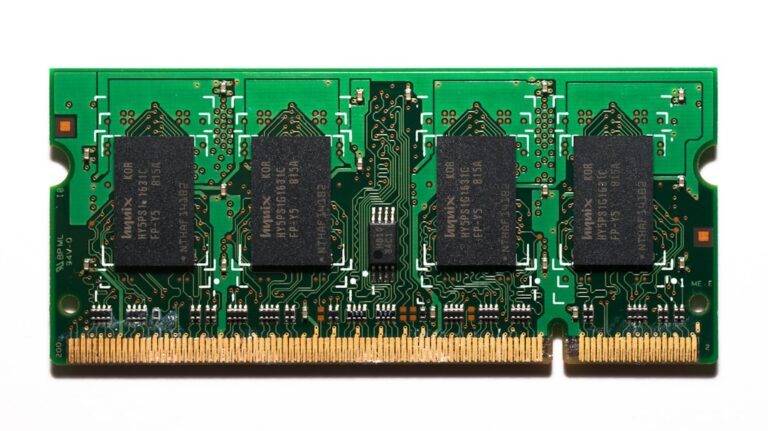
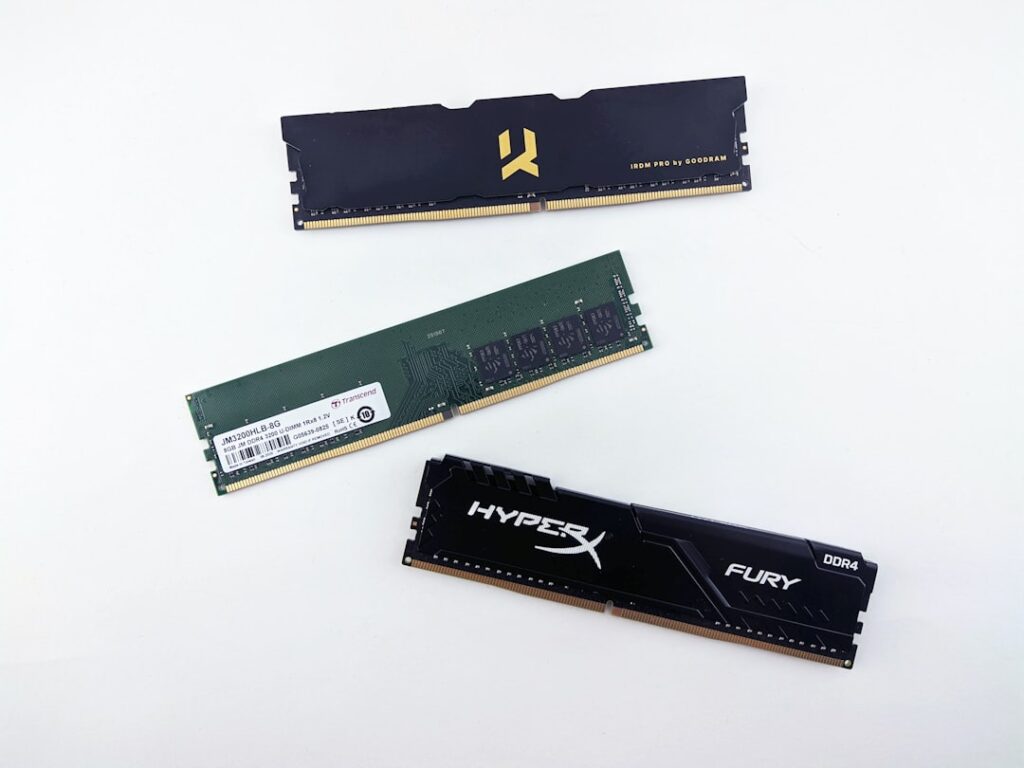
A DDR4 motherboard accepts DDR4 memory. A DDR5 motherboard accepts DDR5 memory. The notch location and electrical design differ, so you cannot install a DDR5 module in a DDR4 slot or vice versa.
Some processor generations were sold with separate motherboard options for DDR4 and DDR5, but an individual board still supports only the memory type it was designed for.
What DDR5 Improves
DDR5 increases available memory bandwidth, supports higher module capacities and changes how power management and memory channels are organized. Those improvements matter more as CPUs gain cores and workloads move larger amounts of data.
Bandwidth is especially valuable for integrated graphics, some content-creation workloads, compression, large datasets and applications that are sensitive to memory throughput.
DDR4 Is Still Fast Enough for Many PCs
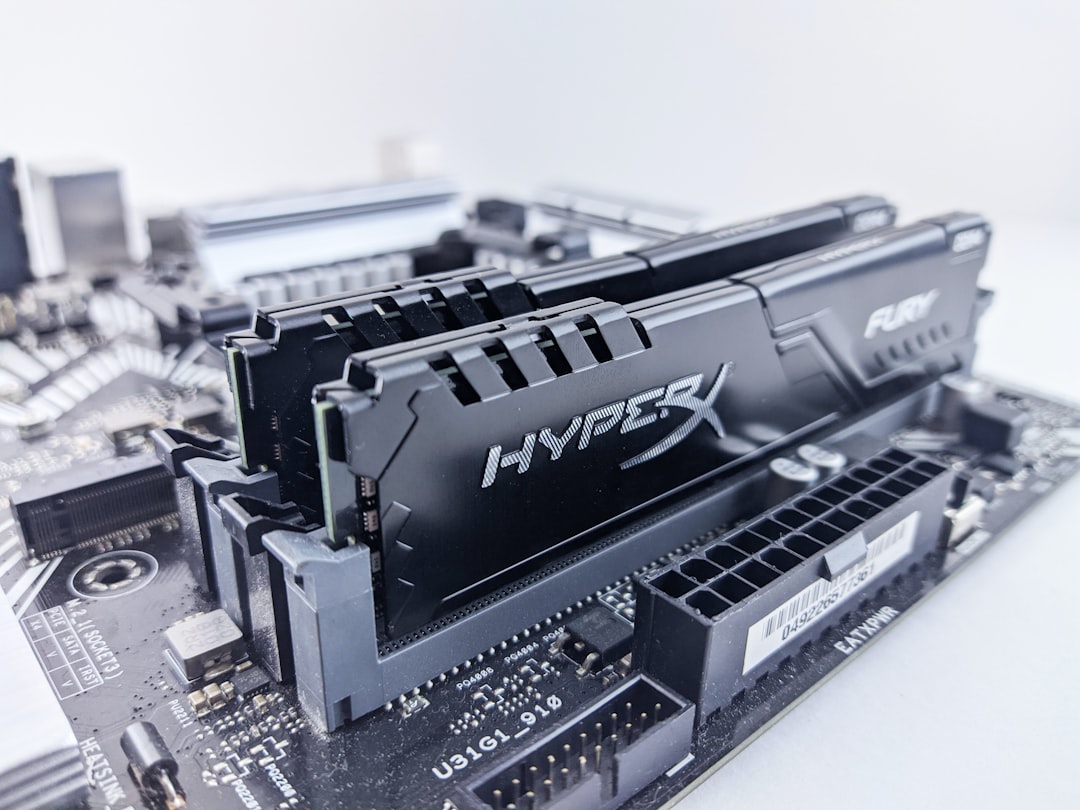
A well-configured DDR4 system can still deliver excellent everyday, gaming and productivity performance. If your current PC already has enough DDR4 memory and the processor is meeting your needs, replacing the entire platform just to gain DDR5 rarely makes financial sense.
Capacity is usually more important than generation when a system is actually running out of RAM. Sixteen or 32 GB of adequate DDR4 can provide a better experience than a smaller DDR5 configuration that forces Windows to page to storage.
See How Much RAM Does Windows 11 Really Need in 2026? before deciding whether your real problem is memory capacity.
Bandwidth vs Latency
DDR5 operates at much higher transfer rates, but advertised speed is only one part of memory performance. Timings and latency also matter. Early DDR5 kits often had relatively loose timings, while newer kits have improved both speed and latency.
Real applications respond differently. A benchmark that loves bandwidth may show a large gap, while an ordinary office task may show almost none.
Gaming Performance
Gaming gains from DDR5 depend on the CPU, GPU, resolution and game engine. CPU-limited titles can benefit from faster memory, especially on high-end systems targeting very high frame rates. At higher resolutions where the GPU is the bottleneck, the difference may shrink.
For a gamer already using a solid DDR4 platform, a GPU or CPU upgrade may produce a much larger improvement than changing memory generation alone.
Integrated Graphics
Integrated graphics share system memory instead of having large dedicated video memory. That makes memory bandwidth more important. DDR5 can noticeably help modern integrated GPUs when the platform is designed to take advantage of the additional throughput.
Content Creation and Productivity
Video encoding, 3D work, large photo projects, code compilation, scientific workloads and heavy multitasking can benefit from additional bandwidth, but capacity still matters. A creator who regularly uses 28 GB of memory should prioritize 32 GB or more before obsessing over a small speed difference between kits.
AI and Virtual Machines
Local AI software, development labs and virtual machines can consume large amounts of RAM. DDR5 offers a better long-term platform for high-capacity configurations and bandwidth-intensive work, but buying enough memory remains the first priority.
Power Management
DDR5 moves part of the power-management function onto the memory module through a PMIC. This helps support the new memory architecture, but from an ordinary user’s perspective it is primarily an implementation detail rather than a reason by itself to upgrade.
Memory Capacity
DDR5 platforms support increasingly large module capacities. That is valuable for workstations, virtualization, local AI, databases and professional workloads. Mainstream users usually do not need extreme capacities, but the additional headroom makes DDR5 a stronger foundation for new high-end builds.
Two DIMMs Are Usually Easier Than Four
Running four high-speed memory modules can place more stress on the memory controller than two modules. On both DDR4 and DDR5 platforms, very high advertised speeds may be easier to achieve with two DIMMs rather than filling every slot.
Consult the motherboard’s memory compatibility list and manual when building a high-capacity or high-speed configuration.
Do Not Assume XMP or EXPO Speeds Are Guaranteed
Performance memory is often sold with XMP or EXPO profiles. These are overclocking profiles, not a guarantee that every CPU and motherboard combination will run the advertised setting perfectly.
If a PC becomes unstable after enabling a memory profile, test at default settings before blaming Windows, drivers or other components.
When DDR5 Is Worth It
- You are building a new PC on a modern platform that uses DDR5.
- You are replacing the CPU and motherboard anyway.
- You need high memory capacity.
- Your workload benefits from memory bandwidth.
- You rely on strong integrated graphics.
- You want the longer upgrade runway of a newer platform.
When Staying With DDR4 Makes Sense
- Your existing PC is fast enough.
- You already have 16 or 32 GB of quality DDR4.
- The upgrade would require replacing a good motherboard and CPU.
- Your bottleneck is the GPU, storage or processor rather than memory bandwidth.
- You are extending the life of an older PC on a limited budget.
Upgrade the Whole System or Just Add RAM?
If your existing DDR4 PC is running out of memory, adding compatible DDR4 can be a cost-effective fix. If the CPU is also outdated, the motherboard lacks modern features and several other components need replacing, then moving to a DDR5 platform becomes easier to justify.
Our Best PC Upgrades Before Buying a New Computer guide can help you decide whether the current machine is still worth improving.
PCFix411 Checklist
- Confirm which memory generation your motherboard supports.
- Check how much RAM your workload actually uses.
- Prioritize adequate capacity before maximum speed.
- Compare the full platform cost, not only the price of memory.
- Consider whether your applications benefit from bandwidth.
- Use compatible modules and recommended slots.
- Test stability after enabling XMP or EXPO.
Bottom Line
DDR5 is the better foundation for a new modern PC, but DDR4 is not obsolete simply because a newer standard exists. If you already own a strong DDR4 system, keep using it until the broader platform no longer meets your needs. When you are replacing the CPU and motherboard anyway, DDR5 usually makes sense because it offers more bandwidth, higher capacity potential and a better long-term upgrade path.